
|
Do it yourself
| |||
| ||||


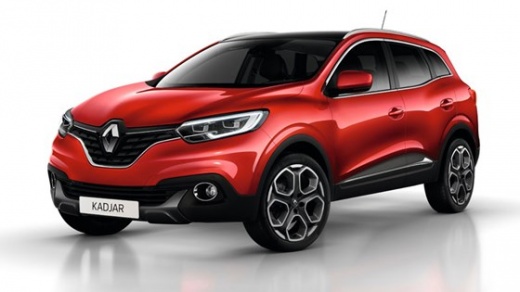
How do you reset the brake wear indicator light on the Renault Kadjar?
Model: Renault Kadjar
MK 1
- Years 2015-2022
To reset the brake wear indicator on the Renault Kadjar, you will need to turn on the instrument panel by inserting the ignition key into the corresponding slot: once the panel has been turned on, you can navigate through the corresponding menu using the arrow keys on the right side of the steering wheel. Once the voice related to the wear of the brake pads appears, you will need to press the OK button to make the indicator disappear from the panel, then turn off the panel by turning the key.
Posted on 28 March 2025 by ScegliAuto
Video tutorial
Related tutorials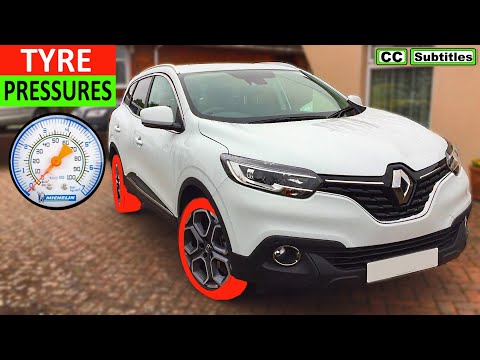
Renault Kadjar
(2015-2022 /
MK 1)
The Renault Kadjar, like many new generation vehicles, automatically resets the TPMS light, which is related to tire pressure. However, to start the …
Renault Kadjar
(2015-2022 /
MK 1)
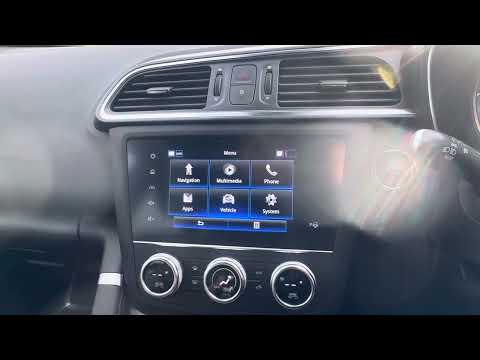
In the following guide, we will discover together how to correctly perform the manual reset of the tire warning light on your 2019 Renault Kadjar. Fi…
Renault Kadjar
(2015-2022 /
MK 1)
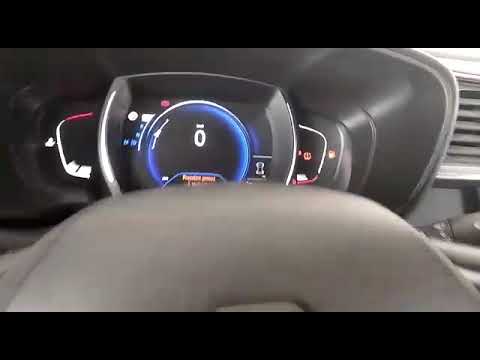
The following steps will allow us to reset the tire pressure monitoring system (TPMS) light on the Renault Kadjar; before performing the reset, it is…
Other guides you may be interested in
|
Frequently Asked QuestionsTiming Belt Replacement on Audi Q5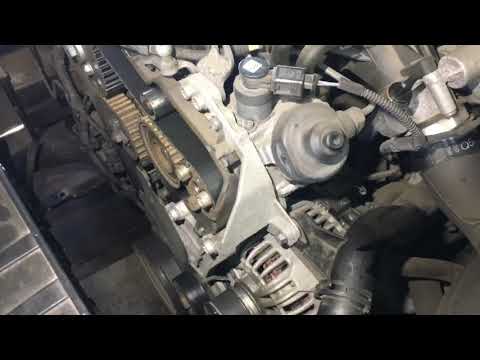
The timing belt on the Audi Q5 has reached its mileage limit, so what should you do? Let's go through the removal of the belts on the Q5. Open and lift the hood of the engine, then remove the engine soundproofing panel. Once these steps are completed, remove the plastic covers of the belts located on the left side of the engine. Loosen the second tensioner and slide the belt out of its seat. After installing the new belt, use a wrench to install the tensioner pulley, and tighten it until the belt has the correct tension (install both belts). Reinstall the covering plastics. Start and test the Audi Q5 engine. by ScegliAuto More videos
|
|
For advertising on this site Write to info@scegliauto.com
ScegliAuto is not responsible for any inaccuracy of the data in the lists. To report any inaccuracy or your business (if you own the business in question), please write to info@scegliauto.com
Number of seconds to generate the page: 0.129
(c) ScegliAuto 2026 - info@scegliauto.com - Privacy policy VAT number: IT01247470535 |
