
|
Do it yourself
| |||
| ||||


How do you reset the Service light on the Renault Captur?
Model: Renault Captur
MK 2
- Years 2019-2026
It will be possible to completely remove the Service warning light from the Renault Captur's instrument panel by turning on the instrument panel once the ignition key has been inserted into the ignition switch: when the panel is turned on, it will be possible to navigate through the options indicated in the menu until the tire pressure option appears. Once this option is displayed, it will be possible to hold down the OK button to make the warning light disappear from the instrument panel; finally, the panel can be turned off by turning the key back.
Posted on 12 January 2026 by ScegliAuto
Video tutorial
Related tutorials
Renault Captur
(2013-2019 /
MK 1)
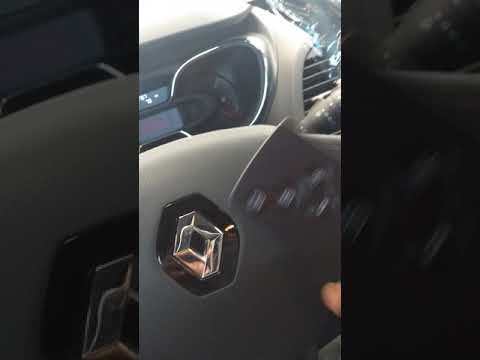
From the display of the Renault Captur, you can completely clear the Service light by turning on the instrument panel to access the menu. To do this,…
Renault Captur
(2013-2019 /
MK 1)
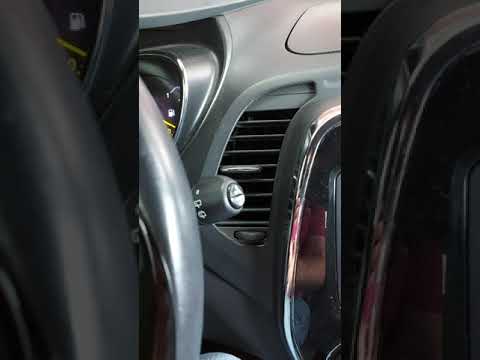
To reset the Service light on a Renault Captur, turn on the instrument cluster by rotating the key in the ignition. This will allow you to navigate t…
Renault Captur
(2013-2019 /
MK 1)
To reset the Service light on a Renault Captur, turn on the instrument panel to navigate through the menu: press the button located at the bottom of …
Other guides you may be interested in
|
How to Remove the Airbag from Citroen C3
To remove the airbag from a Citroen C3, follow these steps, which you can also see in the attached video. Check the warning light: before proceeding, ensure that the airbag warning light is off and that the horn functions correctly. Disconnect the battery: disconnect the battery to ensure safety during the operation. Locate the holes behind the steering wheel: find the two holes located behind the steering wheel. Insert a long screwdriver: insert a long screwdriver into the holes and press firmly to unlock the internal clips. Remove the airbag: at this point, you can remove the airbag from the steering wheel and disconnect the two internal connectors. by ScegliAuto More videos
|
|
For advertising on this site Write to info@scegliauto.com
ScegliAuto is not responsible for any inaccuracy of the data in the lists. To report any inaccuracy or your business (if you own the business in question), please write to info@scegliauto.com
Number of seconds to generate the page: 0.621
(c) ScegliAuto 2026 - info@scegliauto.com - Privacy policy VAT number: IT01247470535 |
