
|
Do it yourself
| |||
| ||||


How to reset the service in the Renault Clio?
Model: Renault Clio
MK 3, Clio 3, Clio III
- Years 2005-2013
In this tutorial, we can see how to reset the service indicator in the Renault Clio, an extremely simple and quick operation to be carried out only after completing all scheduled maintenance work. First, let's go inside the cabin, then insert the key and turn on the instrument panel. Next, scroll through the various information on the display using the directional arrows located at the end of the right lever, reach the service screen, and perform the reset by holding down the up arrow. To complete the procedure, simply restart the vehicle.
Posted on 23 January 2026 by ScegliAuto
Video tutorial
Related tutorials
Renault Clio
(2005-2013 /
MK 3, Clio 3, Clio III)
How do you reset the tire pressure warning light on a Renault Clio? To reset the tire pressure warning light on a Renault Clio, you must first access…

Renault Clio
(2019-2026 /
Clio V, Clio 5)
The procedure for resetting the service light, related to the car service, on a Renault Clio model 5, follows very simple and quick steps. First, we …
Renault Clio
(2012-2019 /
MK 4, Clio 4, Clio IV)
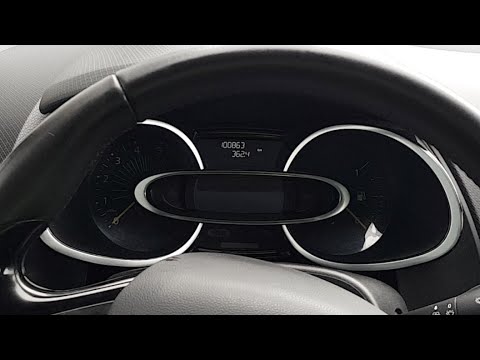
.. In this tutorial we can see how to reset the service in the Renault Clio 4, an extremely simple and quick operation. Before proceeding,.. …
Other guides you may be interested in
|
Frequently Asked QuestionsHow to Replace the Battery on a Volkswagen Polo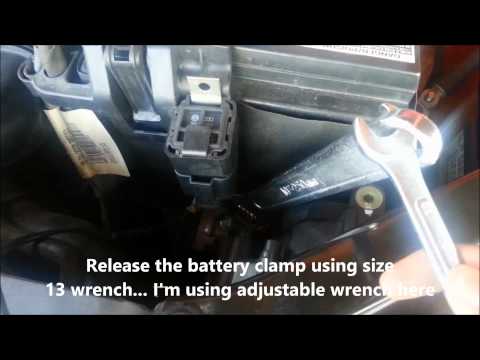
When your vehicle won't start and makes noises similar to electrical contacts, the cause is likely the battery. Release the bonnet using the appropriate lever and lift it to secure it with the prop rod. First, check the condition of your battery, then disconnect the terminals, starting with the negative one. Next, unclip the brackets securing the battery on both sides, then unscrew the bolts on the sides of the battery base to remove the brackets holding it in place. Install the new battery, and you're done! by ScegliAuto More videos
|

|
For advertising on this site Write to info@scegliauto.com
ScegliAuto is not responsible for any inaccuracy of the data in the lists. To report any inaccuracy or your business (if you own the business in question), please write to info@scegliauto.com
Number of seconds to generate the page: 0.152
(c) ScegliAuto 2026 - info@scegliauto.com - Privacy policy VAT number: IT01247470535 |
