
|
Do it yourself
| |||
| ||||


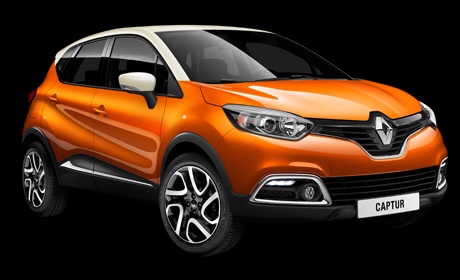
How to Reset the Service Light in the Renault Captur?
Model: Renault Captur
MK 1
- Years 2013-2019
In this tutorial, learn how to reset the service light in the Renault Captur, a very simple and quick operation to perform only after completing all scheduled maintenance tasks. Start by entering the cabin, then insert the key and turn on the ignition. Scroll through the various display information using the directional arrows on the right-hand stalk, reach the 'SERVICE INTERVALS' option, and hold down the down arrow to enter that section. Now, simply hold down the button again until the reset is complete.
Posted on 9 July 2026 by ScegliAuto
Video tutorial
Related tutorials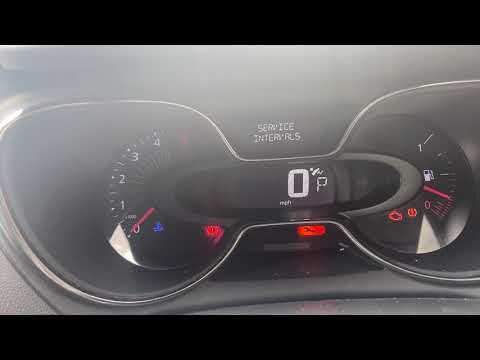
Renault Captur
(2019-2026 /
MK 2)
In this tutorial, you will see how to reset the service light on the Renault Captur. Before performing this simple operation, you must complete all m…
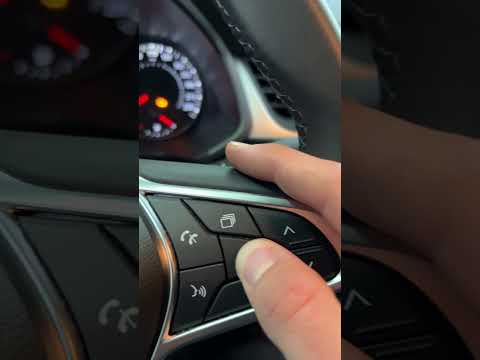
Renault Captur
(2019-2026 /
MK 2)
In this tutorial, see how to reset the service on a Renault Captur, a very simple and quick operation to perform only after completing all required s…
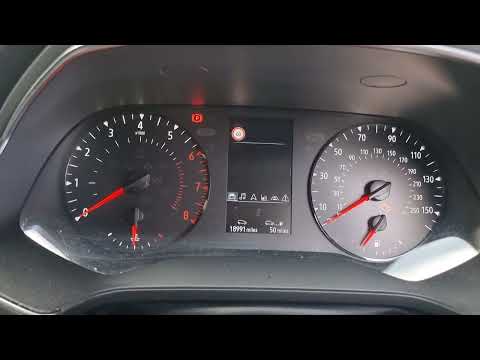
Renault Captur
(2019-2026 /
MK 2)
In this tutorial, you will see how to reset the service light on a Renault Captur, a very simple and quick operation to perform only after completing…
Other guides you may be interested in
|
How to Remove the Headrests from a Fiat Panda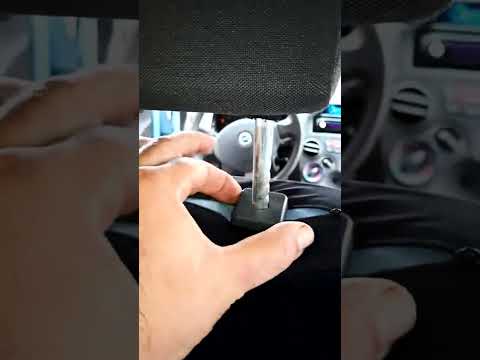
Below are the instructions to remove the headrests, both front and rear, from the Fiat Panda. First, get inside the vehicle and press and hold the side button located at the base of the headrest. Then, while holding the button, pull the headrest upwards to remove it, as shown in the video. At this point, perform the same operation on the other headrests. Now, simply insert them back in while holding the button, and finally adjust the height of all the headrests! by ScegliAuto More videos
|
|
For advertising on this site Write to info@scegliauto.com
ScegliAuto is not responsible for any inaccuracy of the data in the lists. To report any inaccuracy or your business (if you own the business in question), please write to info@scegliauto.com
Number of seconds to generate the page: 0.381
(c) ScegliAuto 2026 - info@scegliauto.com - Privacy policy VAT number: IT01247470535 |
