
|
Do it yourself
| |||
| ||||


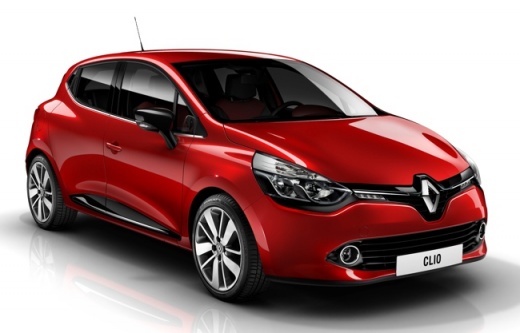
How to Change the Key Battery of the Renault
Model: Renault Clio
Clio IV, Clio 4, MK 4
- Years:
2012, 2013, 2014, 2015, 2016, 2017, 2018, 2019
Video tutorial
To replace the battery of the Renault key, work on a stable surface and use a plastic tool or a small flathead screwdriver to gently pry along the seam of the shell, separating the two halves without marking the plastic. Once the casing is open, locate the button battery in its housing and carefully remove it, avoiding forcing the metal contacts. Insert the new battery, ensuring it is in the same orientation as the previous one (the “+” terminal in the same position), then close the shell, making sure the parts fit together correctly until they click. Finally, check that the buttons are in place and test the vehicle's locking/unlocking: if the button pressure feels “soft” or uneven, reopen and check the alignment of the rubber membrane and the clips of the cover.
Posted on 30 July 2026 by ScegliAuto
Related tutorials
Renault Clio
(2019-2026 /
Clio V, Clio 5)
To change the battery inside your Renault Clio fifth series key by yourself, follow the procedure described in this new guide. First, take the key an…
Renault Clio
(2012-2019 /
Clio IV, Clio 4, MK 4)
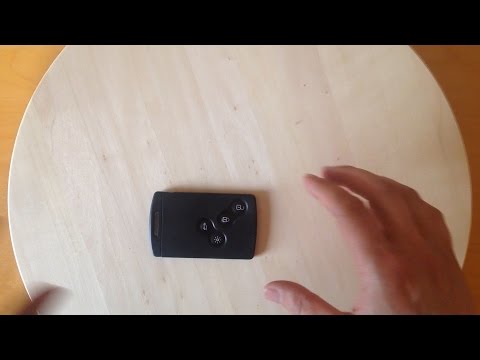
To open the key fob of a Renault Clio and remove or change the battery, first remove the key blade by pressing the button on the side of the fob and …
Renault Clio
(1998-2005 /
MK 2, Clio 2)
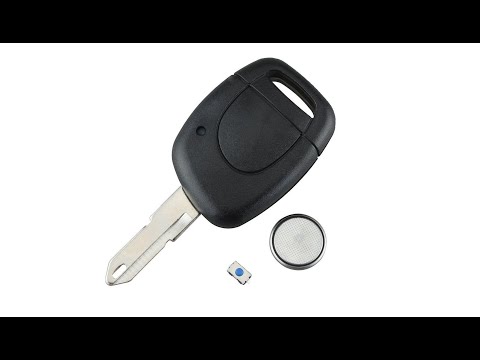
Start by prising open the rear side of the key fob for your Renault Clio. Next, using a flathead screwdriver, lever out and remove the key battery. T…
Other guides you may be interested in
|
How to reset the Service light on a 2019 Jeep Renegade?
The Service light, depicted as a yellow spanner, illuminates as scheduled to remind the driver that it is time for scheduled maintenance. This means that the set mileage has been reached, or the expected time has passed. The procedure involves turning on the instrument cluster, pressing the accelerator three times, and then turning off the ignition. After this, keep the brake pressed, turn the ignition back on, and then turn it off again. Upon the next ignition, you will notice that the light has been reset. by ScegliAuto More videos
|
|
For advertising on this site Write to info@scegliauto.com
ScegliAuto is not responsible for any inaccuracy of the data in the lists. To report any inaccuracy or your business (if you own the business in question), please write to info@scegliauto.com
Number of seconds to generate the page: 0.159
(c) ScegliAuto 2026 - info@scegliauto.com - Privacy policy VAT number: IT01247470535 |
