
|
Do it yourself
| |||
| ||||


How to Reset the Service Light on the Renault Trafic 3
Model: Renault Trafic
- Years:
2014, 2015, 2016, 2017, 2018, 2019, 2020, 2021, 2022, 2023, 2024, 2025
Video tutorial
To manually reset the service light on your Renault Trafic third generation, it only takes a few minutes. Below are the steps you need to follow. First, get into the driver's seat and start the instrument panel, then press the upper button located at the end of the right-hand steering column several times. Locate the 'Service intervals' option on the small display of the panel, then press and hold the same button used earlier to complete the manual reset of the light.
Posted on 19 October 2026 by ScegliAuto
Related tutorials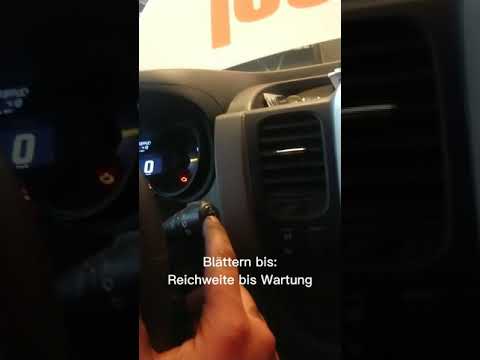
Renault Trafic
(2001-2014 /
MK 2)
The procedure required to manually reset the service light on your 2014 Renault Trafic is practically identical to that used in many other Renault mo…

Renault Trafic
(2014-2026 /
MK 3)
If you own a third generation Renault Trafic and want to learn how to correctly perform a manual reset of the service light, all you need to do is fo…
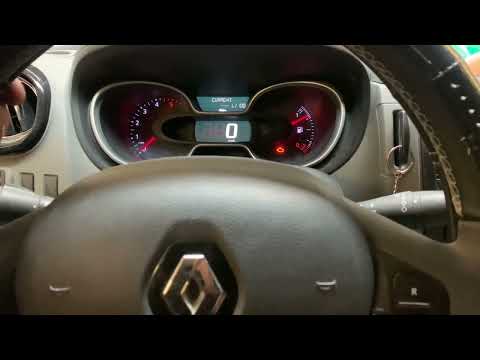
Renault Trafic
(2014-2026 /
MK 3)
To reset the service light on the Renault Trafic - after performing the required operations in the service schedule - get into the vehicle and close …
Other guides you may be interested in
|
How to Reset the Tyre Warning Light on the Suzuki Swift
If the orange tyre warning light on the instrument cluster of your latest Suzuki Swift remains illuminated despite no loss of pressure, don't worry because you can easily reset it by following this procedure. First, get into the driver's seat and start the ignition, then press and hold the button located below the speedometer and release it as soon as the menu screen appears on the display. At this point, select "TPMS" and then press "TPMS Mode". Finally, select the "Load Mode" option and proceed with the manual reset of the warning light. by ScegliAuto More videos
|
|
For advertising on this site Write to info@scegliauto.com
ScegliAuto is not responsible for any inaccuracy of the data in the lists. To report any inaccuracy or your business (if you own the business in question), please write to info@scegliauto.com
Number of seconds to generate the page: 0.134
(c) ScegliAuto 2026 - info@scegliauto.com - Privacy policy VAT number: IT01247470535 |
