
|
Do it yourself
| |||
| ||||


How to Reset the Service Light in the Renault Clio 2012
Model: Renault Clio
Clio III, MK 3, Clio 3
- Years:
2005, 2006, 2007, 2008, 2009, 2010, 2011, 2012, 2013
Video tutorial
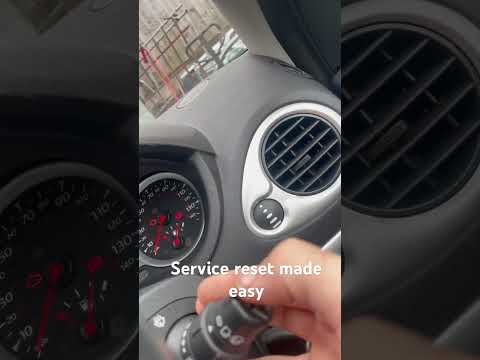
If the service light remains illuminated on the instrument cluster of your Renault Clio third series (2012) even after performing the car service, you need to reset it manually by following this procedure. First, get in the car and start the ignition after inserting the appropriate key. At this point, locate the two buttons at the end of the right steering column and use the upper button to navigate through the various menu options. Once you find the screen related to vehicle maintenance, hold down the upper button until the display stops flashing, and you are done.
Posted on 27 October 2026 by ScegliAuto
Related tutorials
Renault Clio
(2005-2013 /
Clio III, MK 3, Clio 3)
To complete the procedure for resetting the service light on your Renault Clio third series, follow the steps described in this guide. First, get in …

Renault Clio
(2019-2026 /
Clio 5, Clio V)
If you own a Renault Clio (year 2022) and are wondering how to manually reset the service light, then all you have to do is follow the steps describe…
Renault Clio
(2005-2013 /
Clio III, MK 3, Clio 3)
When the service light illuminates on the instrument cluster of your Renault Clio Mk3 (2005-2013) despite having already completed the service, you m…
Other guides you may be interested in
|
How to Replace the Battery in a BMW 2 Series Active Tourer?
To replace the battery in a BMW 2 Series Active Tourer, open the hood to access the components in the engine compartment: in the upper right corner, just below the windshield on the driver's side, you will find a panel to remove. The battery is located under this panel and can be removed by loosening the screws that secure it and disconnecting the power cables; this will allow you to connect and install the new battery to ensure everything functions correctly. by ScegliAuto More videos
|
|
For advertising on this site Write to info@scegliauto.com
ScegliAuto is not responsible for any inaccuracy of the data in the lists. To report any inaccuracy or your business (if you own the business in question), please write to info@scegliauto.com
Number of seconds to generate the page: 0.091
(c) ScegliAuto 2026 - info@scegliauto.com - Privacy policy VAT number: IT01247470535 |
