
|
Do it yourself
| |||
| ||||


Renault Clio: how to change the language of the instrument panel
Model: Renault Clio
Clio 3, MK 3, Clio III
- Years:
2005, 2006, 2007, 2008, 2009, 2010, 2011, 2012, 2013
Video tutorial
To change the language of the instrument panel on the Renault Clio, connect the diagnostic interface to the car's OBD port and turn on the instrument panel with the engine off. On your laptop, open the Delphi software and, in the vehicle selection screen, set the Brand to Renault, model to Clio, and the correct year, then choose Instrumentation as the system and start the diagnosis. Once the connection is established, go to the basic adjustment menu and scroll through the list until you find the Language option. Select this function to open the configuration window: in the selection field, you can change the currently set language (for example, English) by choosing the desired language, such as Italian or French, from the drop-down menu. Confirm with OK and wait for the completion message. At this point, you can close the program, disconnect the diagnostic interface, turn off and on the Renault Clio instrument panel: the messages on the display and onboard computer will be displayed in the newly set language.
Posted on 21 November 2025 by ScegliAuto
Related tutorials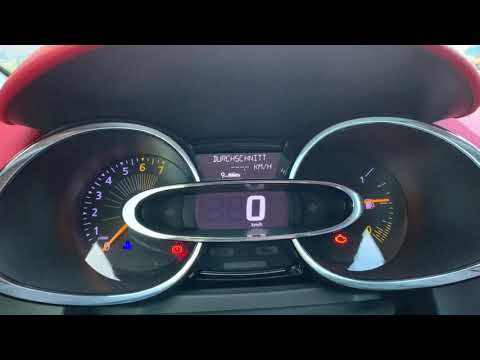
Renault Clio
(2012-2019 /
Clio IV, Clio 4, MK 4)
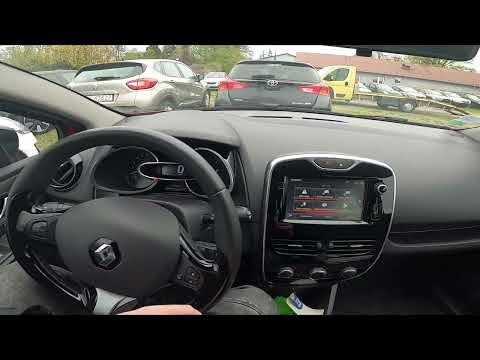
To change the language on the on-board computer of the Renault Clio, connect a diagnostic tool to the OBD port of the vehicle: this port is located i…
Renault Clio
(2012-2019 /
Clio IV, Clio 4, MK 4)
To manually change the system language on your Renault Clio Mk4, follow these simple steps outlined in this guide dedicated to you. First, sit in the…

Renault Clio
(2012-2019 /
Clio IV, Clio 4, MK 4)
Today we will explain how to change the language of the on-board computer on the Renault Clio IV. To perform this operation, we need to turn on the o…
Other guides you may be interested in
|
How to Activate the Disabled TRC on the Toyota Yaris?
As the video clearly shows, disabling or activating the traction control (TRC or ESP) on the Toyota Yaris is very simple. By default, the traction system activates every time the vehicle is started. To disable it, simply press the button depicting a skidding car located in the centre of the vehicle where the controls are, such as the hazard lights and the radio, but near the handbrake. Once disabled, the TRC off light will illuminate on the dashboard. To reactivate it, just press the same button again. by ScegliAuto More videos
|
|
For advertising on this site Write to info@scegliauto.com
ScegliAuto is not responsible for any inaccuracy of the data in the lists. To report any inaccuracy or your business (if you own the business in question), please write to info@scegliauto.com
Number of seconds to generate the page: 0.034
(c) ScegliAuto 2026 - info@scegliauto.com - Privacy policy VAT number: IT01247470535 |
