
|
Do it yourself
| |||
| ||||


How to change the language of the Renault Captur
Model: Renault Captur
MK 2
- Years 2019-2026
Let's see in this short guide how to change the language of the on-board computer and instrument panel of the Renault Captur, but also of the Clio, in simple and quick steps. First we get in the car and start the engine; then we go to the settings of the on-board computer that we find on the central display, by clicking on the language item, as shown in the video. At this point we are going to select the desired language, finally exiting the menu and checking that the language has been set correctly on the on-board computer and on all the controls on the instrument panel!
Posted on 23 March 2022 by ScegliAuto
Video tutorial
Related tutorials
Renault Captur
(2013-2019 /
MK 1)
Below we will see the instructions that will allow us to change the language on the instrument panel and multimedia system of the Renault Captur. In …

Renault Captur
(2013-2019 /
MK 1)
In this video we see how to change the language set on the display of the instrument panel of the Renault Captur MK1 (or the Clio IV, the procedure i…
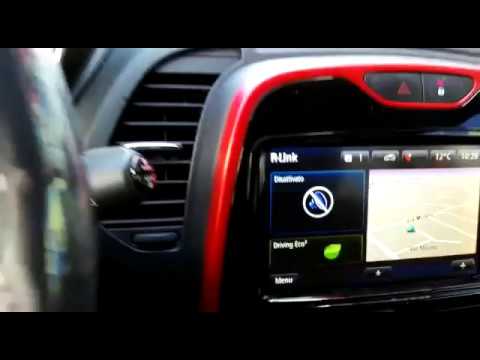
Renault Captur
(2013-2019 /
MK 1)
Want to change the time on your Renault Captur? Follow these steps to set it correctly: first, turn the ignition key to power up the instrument clust…
Other guides you may be interested in
|
Frequently Asked QuestionsHow to Remove the CV Boot on Fiat Panda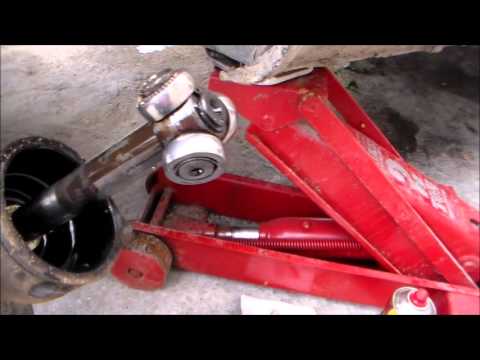
Let’s see how to remove the boot from the joint on a Fiat Panda. After positioning your car on a column lift: raise it to a comfortable height to work on, loosen the wheel nuts (using a socket wrench or air drill) and remove the wheel. Begin unscrewing the brake disc bolts with a socket wrench. Remove the bolts located under the disc and completely detach the wheel hub. Pull the arm around the joint with your hands. Fit the new boot (after removing the old one) onto the constant velocity joint, then start reassembling all the parts in reverse order. by ScegliAuto More videos
|
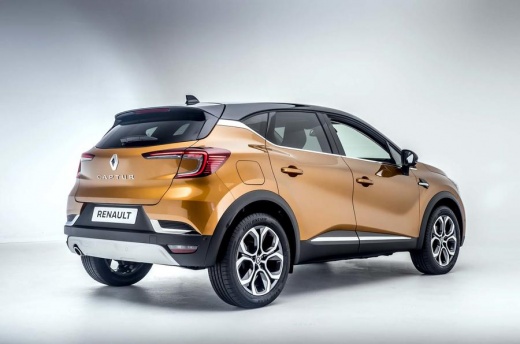
For advertising on this site Write to info@scegliauto.com
ScegliAuto is not responsible for any inaccuracy of the data in the lists. To report any inaccuracy or your business (if you own the business in question), please write to info@scegliauto.com
Number of seconds to generate the page: 0.057
(c) ScegliAuto 2026 - info@scegliauto.com - Privacy policy VAT number: IT01247470535 |
