
|
Do it yourself
| |||
| ||||


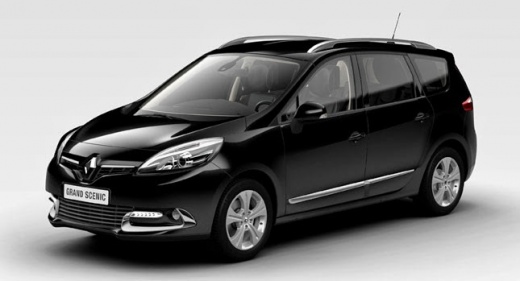
How to Reset the Service Light on a Renault Scenic
Model: Renault Scenic
MK III, Scenic III, Scenic 3, MK 3
- Years:
2009, 2010, 2011, 2012, 2013, 2014, 2015
Video tutorial
The service light does not indicate a fault with the engine or an imminent danger to the vehicle's overall reliability. Its main purpose is to alert the driver of the need for routine maintenance after a certain number of miles has been driven. To reset and eliminate this light, turn off the engine and hold down the ignition button for about 10 seconds without pressing the brake or clutch pedals. Then, press one of the two buttons located at the end of the right steering lever multiple times. As soon as a new message appears on the display, hold the same button for another 10 seconds. The reset is complete.
Updated on 6 June 2026 by ScegliAuto
Related tutorials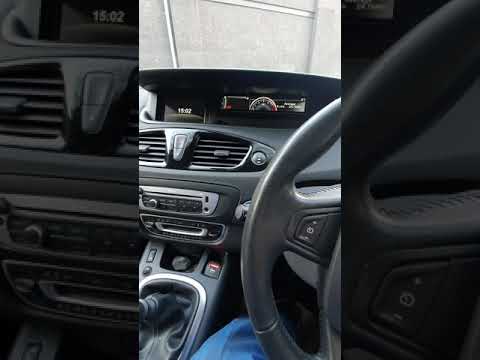
Renault Scenic
(2009-2015 /
MK III, Scenic III, Scenic 3, MK 3)
In this short and simple guide, we will see the procedure to reset the service light on a Renault Scenic and Grand Scenic. First, get inside the vehi…
Renault Scenic
(2016-2022 /
Scenic IV, Scenic 4, MK IV, MK 4)
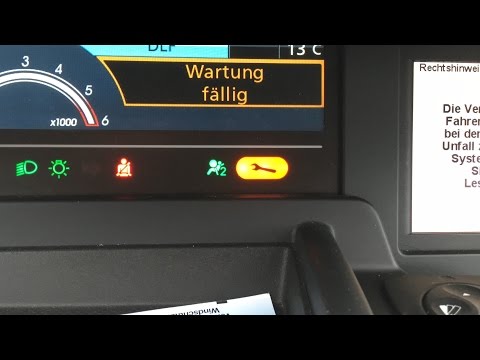
To reset the Service light on the Renault Scenic 4, turn on the instrument cluster by rotating the ignition key in the ignition switch. Once the disp…

Renault Scenic
(2016-2022 /
Scenic IV, Scenic 4, MK IV, MK 4)
To reset the service light on a Renault Scenic, press the Start button without starting the engine to turn on the instrument panel. Use the controls …
Other guides you may be interested in
|
How to Set the Time on the Central Display of the Toyota Yaris
Today, let's look at the instructions for adjusting the clock on the central display of the Toyota Yaris. First, get in the vehicle and turn on the instrument panel; then press and hold the button located to the right of the panel (next to the clock) until the time display starts to flash, as shown in the video. Now adjust the hour first, followed by the minutes, using the same button; finally, exit the time setting to save all changes made! by ScegliAuto More videos
|
|
For advertising on this site Write to info@scegliauto.com
ScegliAuto is not responsible for any inaccuracy of the data in the lists. To report any inaccuracy or your business (if you own the business in question), please write to info@scegliauto.com
Number of seconds to generate the page: 0.032
(c) ScegliAuto 2026 - info@scegliauto.com - Privacy policy VAT number: IT01247470535 |
