
|
Do it yourself
| |||
| ||||


How to Install a 2-Din Car Radio in the Renault Clio
Model: Renault Clio
Clio 3, MK 3, Clio III
- Years:
2005, 2006, 2007, 2008, 2009, 2010, 2011, 2012, 2013
Video tutorial
In this guide, learn how to disassemble and replace the standard car radio with a 2-Din unit in the Renault Clio, following the instructions below. First, get inside the vehicle and start by removing the standard car radio; then disassemble the central display of the dashboard to install the new 2-Din display later, as shown in the video. At this point, unscrew all the fixing screws and disconnect the electrical connectors, making the necessary modifications to the wiring for the installation of the new car radio!
Updated on 25 June 2026 by ScegliAuto
Related tutorials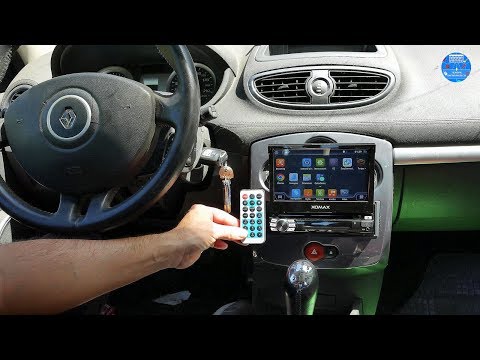
Renault Clio
(2005-2013 /
Clio 3, MK 3, Clio III)
Want to install a new car radio in the dashboard of a Renault Clio? Let's look at how to remove the old car radio. Insert the release keys into the h…
Renault Clio
(2012-2019 /
Clio IV, Clio 4, MK 4)
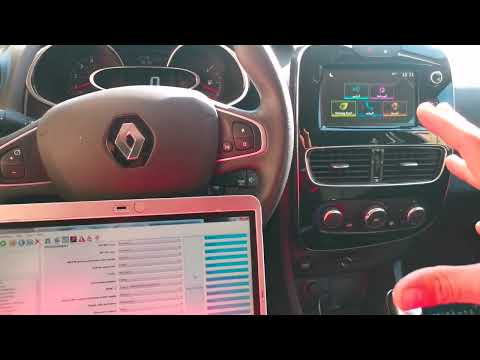
To install the reversing camera on a Renault Clio 4, start by detaching and removing the frame around the radio, then unscrew the radio mounting scre…
Renault Clio
(2019-2026 /
Clio V, Clio 5)
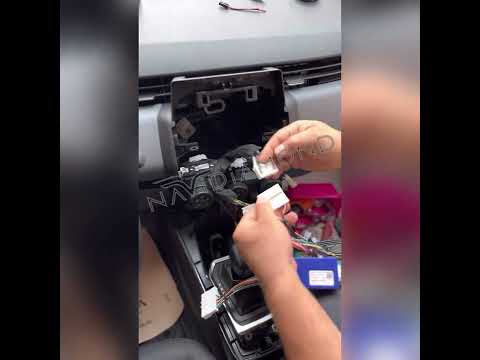
In this tutorial, you will see how to remove the car radio in the Renault Clio, a very simple and quick operation. First, ensure that the key is not …
Other guides you may be interested in |
Where are the fuses located on the Renault Laguna?
On the Renault Laguna, the fuses are located inside the fuse boxes installed in the vehicle: in this car model, you will find two boxes for containing the fuses. The first is in the fuse box on the left side of the dashboard, accessible by opening the driver's door: here you will find the fuses for the windscreen wipers, fog lights, horn, etc. The second box is located on the right side of the engine compartment: here you will find the fuses for the dipped headlights, radiator fan, alternator, etc. by ScegliAuto More videos
|
|
For advertising on this site Write to info@scegliauto.com
ScegliAuto is not responsible for any inaccuracy of the data in the lists. To report any inaccuracy or your business (if you own the business in question), please write to info@scegliauto.com
Number of seconds to generate the page: 0.024
(c) ScegliAuto 2026 - info@scegliauto.com - Privacy policy VAT number: IT01247470535 |
