
|
Do it yourself
| |||
| ||||


How to reset the service light in Renault Captur
Model: Renault Captur
MK 1
- Years 2013-2019
In today's video we see how to reset the service light in the first series Renault Captur; this will make it possible to restore the maintenance expiry value to 12 months or 30,000 km, i.e. the one set by the parent company in the control unit. First of all, remember to carry out the maintenance indicated in the user manual, according to the correct schedule. Once this is done we can proceed. We turn on the instrument panel of the car; let's move in the on-board computer settings with the arrows on the right light switch. Scroll until you find the desired setting, then confirm.
Posted on 11 December 2022 by ScegliAuto
Video tutorial
Related tutorials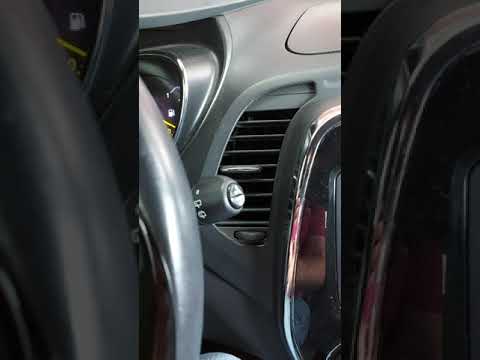
Renault Captur
(2013-2019 /
MK 1)
To be able to reset the Renault Captur's Service light, you need to go and turn on the instrument panel, so that you can move within the menu: to do …

Renault Captur
(2019-2026 /
MK 2)
This video shows the entire operation to perform routine and scheduled maintenance on the 2022 Renault Captur. The engine oil, oil filter, and air fi…
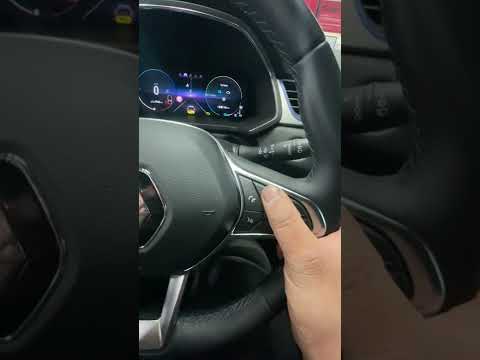
Renault Captur
(2019-2026 /
MK 2)
If you want to manually eliminate the service warning light that comes on every time you start your 2020 Renault Captur, all you have to do is pay at…
Other guides you may be interested in
|
Frequently Asked QuestionsHow to Remove the Right Front Door Panel on an Opel Mokka
To remove the right front door panel on an Opel Mokka, follow these steps: disconnect the battery terminals located in the engine bay, then use a screwdriver to remove the screws from the upper door opening lever and the screws in the handle. Next, remove the covering plastic near the lever. Unscrew the remaining screws on the door panel and detach the retaining clips. Finally, pull the panel away with your hands and unclip it from the door (disconnect the power wiring and the release cable). Reassemble everything in reverse order. by ScegliAuto More videos
|
|
For advertising on this site Write to info@scegliauto.com
ScegliAuto is not responsible for any inaccuracy of the data in the lists. To report any inaccuracy or your business (if you own the business in question), please write to info@scegliauto.com
Number of seconds to generate the page: 0.092
(c) ScegliAuto 2026 - info@scegliauto.com - Privacy policy VAT number: IT01247470535 |
