
|
Do it yourself
| |||
| ||||


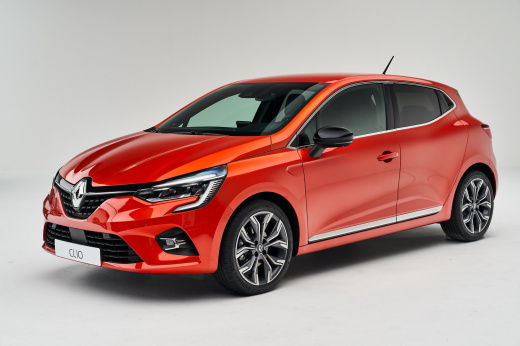
How to Replace the Remote Battery on the Renault Clio 5?
Model: Renault Clio
Clio V, Clio 5
- Years:
2019, 2020, 2021, 2022, 2023, 2024, 2025, 2026
Video tutorial
To replace the remote battery on the Renault Clio 5, use an object to prise off the plastic cover with the manufacturer's logo. Once this cover is removed, you will be able to locate the battery inside its compartment and pull it out from its housing. After removal, insert the new replacement part and close the remote again with the corresponding plastic cover. At this point, check that the device functions correctly.
Updated on 1 July 2026 by ScegliAuto
Related tutorials
Renault Clio
(2005-2013 /
Clio 3, MK 3, Clio III)
It rarely happens that the battery of the key/remote control of our Renault Clio runs out, but if it does, there is no need to worry, as it can be ea…
Renault Clio
(2012-2019 /
Clio IV, Clio 4, MK 4)
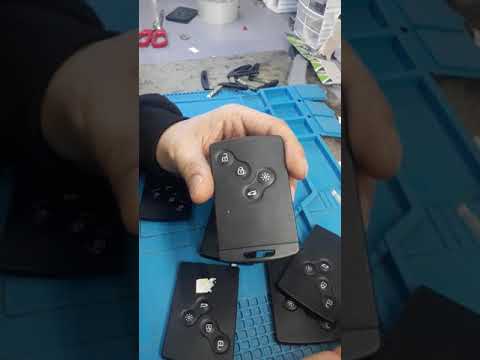
Here are the steps to disassemble and replace the battery of the key fob for the Renault Clio, as well as the Captur. First, take your key fob and re…

Renault Clio
(2005-2013 /
Clio 3, MK 3, Clio III)
To replace the battery of the Renault Clio remote control, you will need to press the button located on the top of the device: this way you will be a…
Other guides you may be interested in |
How to Set the Time in an Audi A4?
In this tutorial, you will see how to set the time in an Audi A4, a very simple and quick operation to perform after replacing the battery or when the time changes. First, insert the key and turn on the instrument cluster. Then, press the "SETUP" button located on the center console. Next, press the upper left arrow button, navigate to the "Time" option, and use the central knob to adjust the clock. Finally, set any necessary formats and save by returning to the main screen. by ScegliAuto More videos
|
|
For advertising on this site Write to info@scegliauto.com
ScegliAuto is not responsible for any inaccuracy of the data in the lists. To report any inaccuracy or your business (if you own the business in question), please write to info@scegliauto.com
Number of seconds to generate the page: 0.047
(c) ScegliAuto 2026 - info@scegliauto.com - Privacy policy VAT number: IT01247470535 |
