
|
Do it yourself
| |||
| ||||


How to reset the Renault Captur service light
Model: Renault Captur
MK 2
- Years 2019-2026
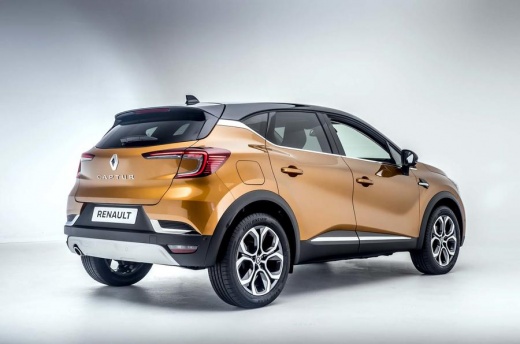
If the maintenance light continues to come on on the instrument panel of your Renault Captur second series (year 2021) even though the regular service has already been carried out recently, don't worry because you can solve this problem by manually resetting the light itself. Let's find out how. First, go inside the cockpit and start the framework. Immediately afterwards, navigate within the on-board menu by pressing the appropriate button located at the end of the right-hand stalk switch several times. Once the item relating to vehicle maintenance has been identified, hold down the same button and release it as soon as the display stops flashing.
Posted on 31 January 2023 by ScegliAuto
Video tutorial
Related tutorials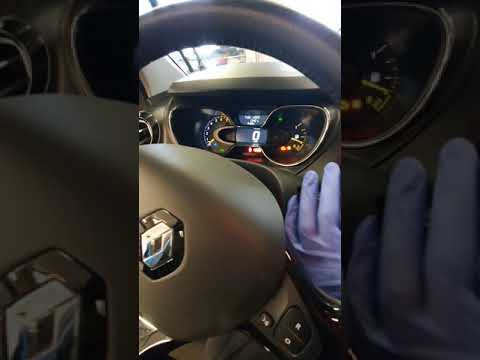
Renault Captur
(2013-2019 /
MK 1)
In today's video we see how to reset the service in the Renault Captur. First get into the car and press the start button once. Now let's proceed. Pr…
Renault Captur
(2013-2019 /
MK 1)
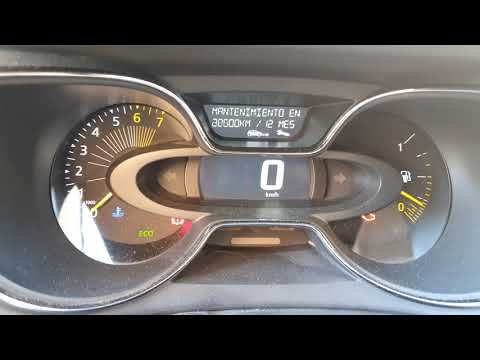
In today's video we see how to reset the service light in the first series Renault Captur; this will make it possible to restore the maintenance expi…

Renault Captur
(2019-2026 /
MK 2)
It will be possible to reset the Service indicator shown on the instrument panel of the Renault Captur by inserting the ignition key into the corresp…
Other guides you may be interested in
|
Frequently Asked QuestionsReplacing the Air Conditioning Fuse on Citroen C3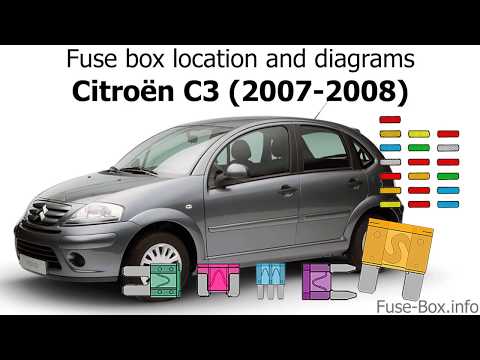
To replace the air conditioning fuse on the C3, locate the fuse position. Use a plastic lever to remove the cover located in the dashboard under the steering wheel (left side), then use pliers to pull out the damaged fuses in the compartment. Once this is done, insert the new fuses into the appropriate slots in the compartment. Finally, close the fuse inspection box with the cover and test for proper operation. You can also find fuses inside the glove compartment on the right side of the dashboard (remove the drawer if necessary). by ScegliAuto More videos
|
|
For advertising on this site Write to info@scegliauto.com
ScegliAuto is not responsible for any inaccuracy of the data in the lists. To report any inaccuracy or your business (if you own the business in question), please write to info@scegliauto.com
Number of seconds to generate the page: 0.044
(c) ScegliAuto 2026 - info@scegliauto.com - Privacy policy VAT number: IT01247470535 |
