
|
Do it yourself
| |||
| ||||


How to Force Restart the R-Link System on a Renault
Model: Renault Renault Various
Video tutorial
In this video, we show how to force restart the R-Link system on a Renault vehicle: locate the "Home" symbol on the control panel and press it five times. This can be done easily, even while driving, and there will be no loss of data; you will not need to re-enter the code or re-programme the radio stations as you did initially. Now the YouTuber demonstrates it practically, and we can see the display screen restarting, beginning with the TomTom logo, followed by the E-Link logo, and then the system will restart normally.
Updated on 30 August 2026 by ScegliAuto
Related tutorials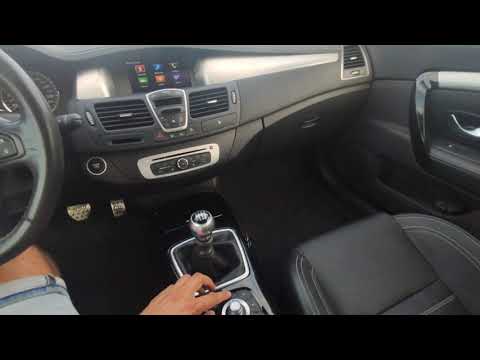
Renault Renault Various
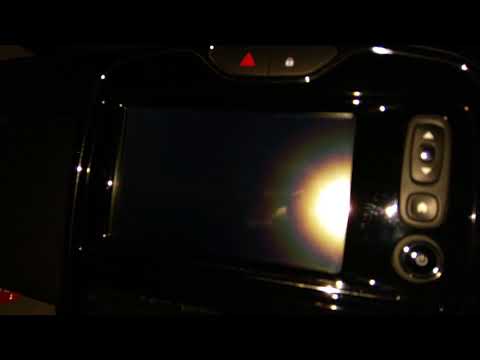
On cars, there is a system to quickly restart the R-Link system when it shows anomalies in its operation. To implement this, simply press the "home" …
Renault Renault Various
If the R Link GPS system in your Renault suddenly experiences serious operational issues, simply perform a reset. This operation is fortunately quite…

Renault Renault Various
In this tutorial, see how to reset the R-Link multimedia system in a Renault, a very simple and quick operation, for example, as an attempt to resolv…
Other guides you may be interested in |
How to Set the Time on an Audi A6
Briefly, we will see the instructions to set the time on the Audi A6 by following these simple steps. First, get inside the vehicle and turn on the instrument cluster; then press the settings button and navigate to the time option to confirm your choice, as shown in the video. At this point, set the correct time and format, then exit the settings menu to save the changes made; finally, start the engine and ensure that the time has been set correctly! by ScegliAuto More videos
|
|
For advertising on this site Write to info@scegliauto.com
ScegliAuto is not responsible for any inaccuracy of the data in the lists. To report any inaccuracy or your business (if you own the business in question), please write to info@scegliauto.com
Number of seconds to generate the page: 0.013
(c) ScegliAuto 2026 - info@scegliauto.com - Privacy policy VAT number: IT01247470535 |
