
|
Do it yourself
| |||
| ||||


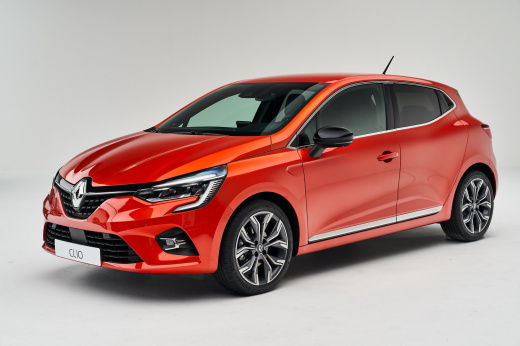
How to Restore Factory Settings on a Renault Clio V Radio
Model: Renault Clio
Clio V, Clio 5
- Years:
2019, 2020, 2021, 2022, 2023, 2024, 2025, 2026
Video tutorial
This video shows how to restore the factory settings on the radio system of a Renault Clio V: first, go to the screen and press the "radio" icon. Enter the settings and go to "radio settings". Here you will find a button with "."; press it and the screen will show a "reset" option. Simply press this button and the factory reset is complete. Naturally, all settings you may have configured, such as preferred channel selections, source settings, and any other preferences, will be lost, along with any mess you may have created. Start from scratch.
Updated on 16 September 2026 by ScegliAuto
Related tutorials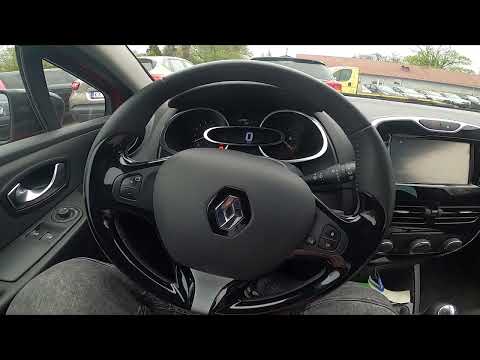
Renault Clio
(2012-2019 /
Clio IV, Clio 4, MK 4)
In this tutorial, you will see how to reset the multimedia system in a Renault Clio, also known as Medianav. This simple and quick operation can be u…

Renault Clio
(2019-2026 /
Clio V, Clio 5)
In this tutorial we can see how to reset the car radio in the Renault Clio, an extremely simple and quick operation, to be carried out for example as…

Renault Clio
(2012-2019 /
Clio IV, Clio 4, MK 4)
In this video tutorial, we will see how to reset the multimedia system of a Renault Clio, specifically the operation was performed on a Renault Clio …
Other guides you may be interested in |
How to Activate the Automatic Folding and Unfolding of the Wing Mirrors on the Jeep Compass
Follow these brief instructions to activate the automatic folding and unfolding of the external wing mirrors on the Jeep Compass. First, get inside the vehicle and turn on the ignition; then press the button located beneath the mirror glass adjustment to electrically open the mirror, as shown in the video. Pressing the button in the opposite direction will close the mirrors; by holding the button, the mirrors will open and close automatically! by ScegliAuto More videos
|
|
For advertising on this site Write to info@scegliauto.com
ScegliAuto is not responsible for any inaccuracy of the data in the lists. To report any inaccuracy or your business (if you own the business in question), please write to info@scegliauto.com
Number of seconds to generate the page: 0.016
(c) ScegliAuto 2026 - info@scegliauto.com - Privacy policy VAT number: IT01247470535 |
