
|
Do it yourself
| |||
| ||||


How to Install a Multimedia Player in the Roewe 350 [WORLD]
Model: Roewe 350
Ap11
- Years 2010-2015
To replace the radio with a multimedia navigation system, follow these steps: Access the driver's side of the cabin and locate the trim panel around the radio on the center console. Gently pry with your fingers to detach the trim that includes the air vents. Take a screwdriver and remove the screws securing the radio. Pull out the radio by disconnecting the rear power connector. Position the new multimedia system and tighten the securing screws, then reposition the trim panel.
Updated on 21 June 2026 by ScegliAuto
Video tutorial
Related tutorials
Roewe 350
(2010-2015 /
Ap11)
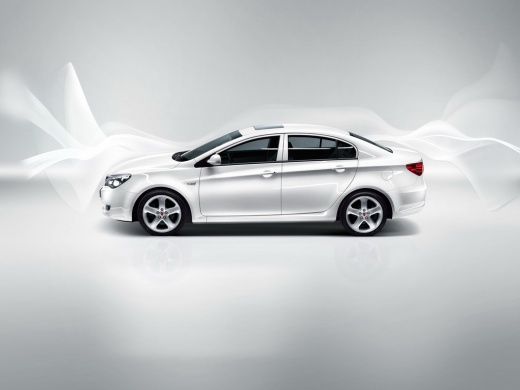
The Roewe 350 is a small three-box car produced in China by Roewe from 2010 to 2015, which was sold in international markets with a 1.5-liter engine …
Roewe 350
(2010-2015 /
Ap11)
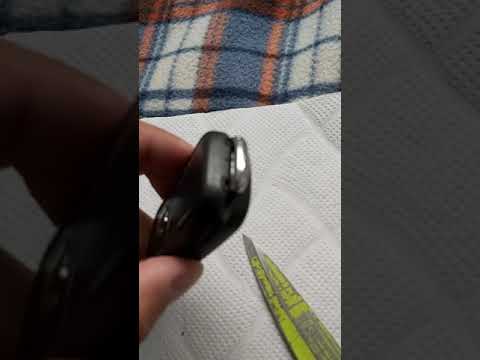
Today, you will see in this video tutorial how to disassemble and replace the battery in the remote key for the MG Roewe 350 and 550. First, take you…

Roewe 350
(2010-2015 /
Ap11)
How to change the oil filter in the Roewe 350? First, locate the oil fill cap, the oil dipstick, and the oil filter as shown in the video. Depending …
Other guides you may be interested in
|
How to Bleed the Clutch on a Renault Clio?
To bleed the clutch on a Renault Clio, open the bonnet to access the components located in the engine bay: here, you will need to undo the screws that secure the battery in its housing, the intake manifold, and the coolant reservoir. This will allow you to locate the pipe through which the brake fluid flows: by inserting the other end of the pipe into a container, you can press the clutch pedal to expel all the fluid until it fills the container. by ScegliAuto More videos
|
|
For advertising on this site Write to info@scegliauto.com
ScegliAuto is not responsible for any inaccuracy of the data in the lists. To report any inaccuracy or your business (if you own the business in question), please write to info@scegliauto.com
Number of seconds to generate the page: 0.573
(c) ScegliAuto 2026 - info@scegliauto.com - Privacy policy VAT number: IT01247470535 |
