
|
Do it yourself
| |||
| ||||


How to Reset the Service Light on the Seat Altea?
Model: Seat Altea
MK 1
- Years 2004-2015
You can completely clear the Service light displayed on the dashboard of the Seat Altea by holding down the button located at the centre of the dashboard while it is off. Continue to hold it down, insert the ignition key into the lock: by turning the key, you can release the button after a few seconds and then turn it to the left. This way, you will notice that the Service light has been successfully cleared; after the reset, turn off and on the dashboard to confirm that the reset is complete.
Posted on 18 August 2026 by ScegliAuto
Video tutorial
Related tutorials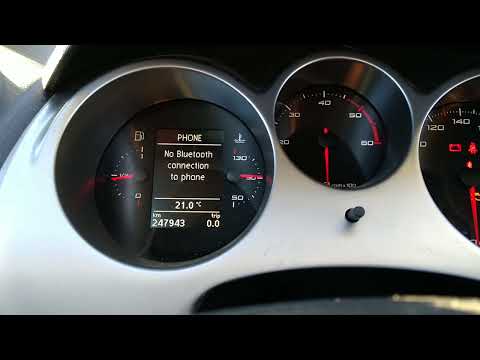
Seat Altea
(2004-2015 /
MK 1)
If you own a Seat Altea and want to learn how to manually reset the service light that appears on the instrument cluster, follow these instructions. …

Seat Altea
(2004-2015 /
MK 1)
On the instrument panel of the Seat Altea, the Service light that appears can be reset by holding down the button in the center of the instrument pan…

Seat Altea
(2004-2015 /
MK 1)
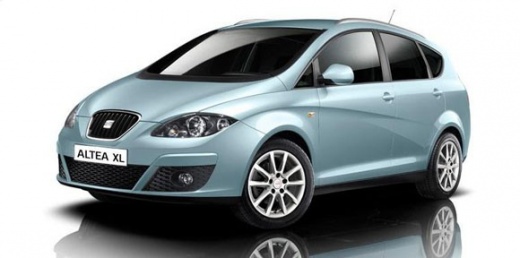
With the video guide provided, you can easily and quickly reset the service light on the Seat Altea XL. The advantage is that you do not need to conn…
Other guides you may be interested in
|
How to Open the Bonnet on the Lancia Y
To open the bonnet on this vehicle, follow these simple instructions: first, open the driver's door and locate the lever positioned just below the dashboard, marked with an image of the vehicle with the bonnet open. Pull this lever towards you until you hear a "click" indicating the bonnet is released. Next, exit the cabin and stand in front of the bonnet to disengage the safety catch and complete the opening. To do this, slightly lift the bonnet, locate the yellow lever underneath, and pull it to the left to fully release and open the bonnet. by ScegliAuto More videos
|
|
For advertising on this site Write to info@scegliauto.com
ScegliAuto is not responsible for any inaccuracy of the data in the lists. To report any inaccuracy or your business (if you own the business in question), please write to info@scegliauto.com
Number of seconds to generate the page: 0.147
(c) ScegliAuto 2026 - info@scegliauto.com - Privacy policy VAT number: IT01247470535 |
