
|
Do it yourself
| |||
| ||||


Model: Sherco St 290
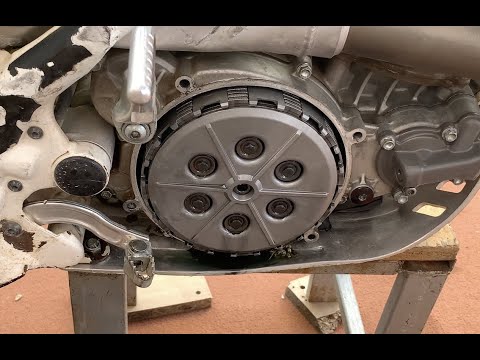
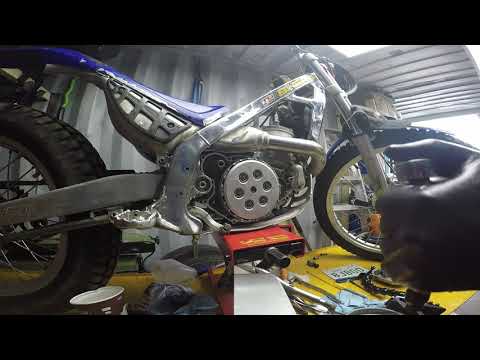
To remove the clutch of the Sherco ST 290, loosen the screws securing the cover located on the right side of the bike. Once the screws of the cover are loosened, you can proceed to detach it and locate the underlying clutch. This can now be extracted from its housing to remove all the discs that comprise it. The new clutch can then be inserted into its housing, securing the discs and checking its operation. Finally, reinstall the cover.
Updated on 18 September 2026 by ScegliAuto
Video tutorial
Related tutorials
St 290
To replace the clutch of the Sherco ST 290, you need to loosen the screws that secure the cover of the clutch housing: this will be located in the ce…
St 290
In this video tutorial, you will see how to dismantle and replace the clutch discs on a Sherco ST 290 motorcycle in simple steps. First, position you…
St 290
To replace the clutch on a Sherco ST 290, you need to loosen the screws securing the cover located on the right side of the bike, just below the exha…
|
How to Remove the Engine from a KTM EXC 300?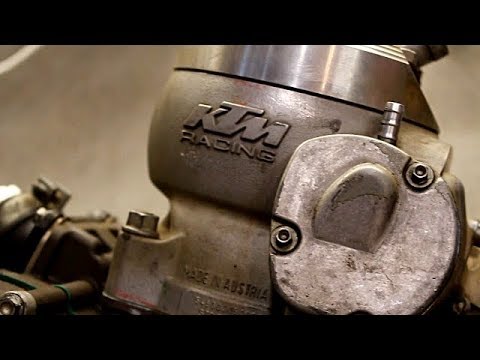
To remove the engine from the KTM EXC 300, you need to take out the engine block from its housing by unscrewing the bolts that secure it to the supports. Once the engine block is removed, unscrew the bolts that secure the cylinder at the top, then proceed to remove the side casings. Underneath, you will find the piston and other internal components, such as the clutch. The necessary parts can now be replaced, and you can subsequently reassemble all the components that were removed earlier. by ScegliAuto More videos
|
|
For advertising on this site Write to info@scegliauto.com
ScegliAuto is not responsible for any inaccuracy of the data in the lists. To report any inaccuracy or your business (if you own the business in question), please write to info@scegliauto.com
Number of seconds to generate the page: 0.007
(c) ScegliAuto 2026 - info@scegliauto.com - Privacy policy VAT number: IT01247470535 |
