
|
Do it yourself
| |||
| ||||



How to Repair the Instrument Cluster of a Skoda Octavia
Model: Skoda Octavia
5E, MK 3
- Years:
2012, 2013, 2014, 2015, 2016, 2017, 2018, 2019
Video tutorial
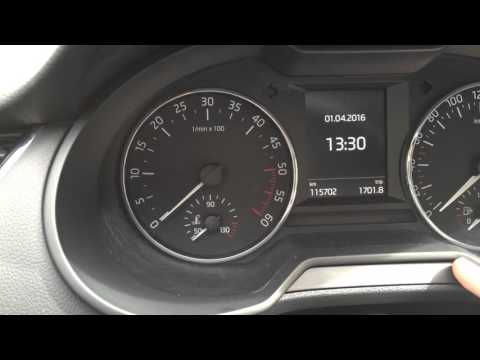
In this video tutorial, you will see how to repair the instrument cluster of the Skoda Octavia. The replacement part to use is the Minitools SEPDISP31. First, prepare the materials needed, then position the speedometer, as shown in the video, with the cluster facing down and unscrew the two rear screws. Using a spudger, open the cluster by prying on the plastic clips. Now remove the front cover; at this point, you need to free the board by detaching it from the front plastic. Now, using the Minitools pliers, unlock the clips of the metal frame holding the display and then remove the display from its housing. Now remove the connectors and take out the display; peel off the protective films from the display and install the new LCD display onto the board. Reassemble the components in reverse order.
Updated on 21 May 2026 by ScegliAuto
Related tutorials
Skoda Octavia
(2004-2012 /
1Z, MK 2)
On a Skoda Octavia, it may happen that the boot lid gets stuck, for example, due to a fault in the control button or the lock actuator. In any case, …
Skoda Octavia
(2012-2019 /
5E, MK 3)
Today, we will see how to reset the service light on your Skoda Octavia. With a few simple steps, you can turn off the light. Press the button locate…

Skoda Octavia
(2019-2026 /
MK 4, NX)
In this new mini guide dedicated to your new Skoda Octavia Mk4 (2019-2023), we will discover how to locate the fuse box independently. First, safely …
Other guides you may be interested in
|
How to Set the Time on an Audi A6
Briefly, we will see the instructions to set the time on the Audi A6 by following these simple steps. First, get inside the vehicle and turn on the instrument cluster; then press the settings button and navigate to the time option to confirm your choice, as shown in the video. At this point, set the correct time and format, then exit the settings menu to save the changes made; finally, start the engine and ensure that the time has been set correctly! by ScegliAuto More videos
|
|
For advertising on this site Write to info@scegliauto.com
ScegliAuto is not responsible for any inaccuracy of the data in the lists. To report any inaccuracy or your business (if you own the business in question), please write to info@scegliauto.com
Number of seconds to generate the page: 0.024
(c) ScegliAuto 2026 - info@scegliauto.com - Privacy policy VAT number: IT01247470535 |
