
|
Do it yourself
| |||
| ||||


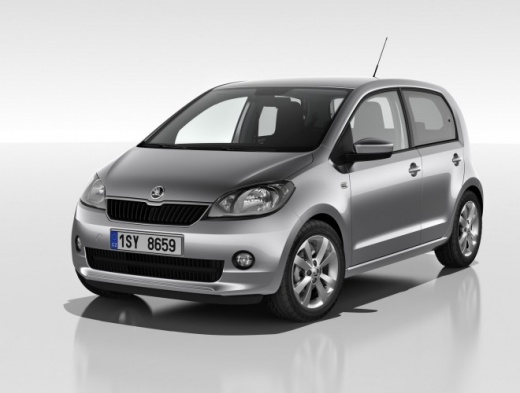
How to Set the Time on a Skoda Citigo
Model: Skoda Citigo
MK 1
- Years:
2011, 2012, 2013, 2014, 2015, 2016, 2017, 2018, 2019, 2020
Video tutorial
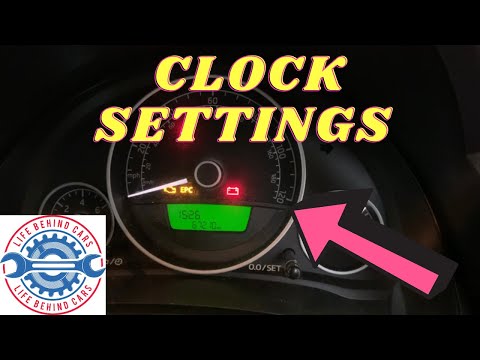
Today, you will see the steps needed to set the time on your Skoda Citigo, model produced from 2011 to 2020. This is a very simple procedure that you can do independently in just a few seconds. First, press the button on the left of the speedometer to activate the information display, then press the same button again and hold it for a moment until the hour number starts to flash. Next, press the "0.0/SET" button to change the hour. Once you reach the desired hour, confirm it by pressing the button on the left of the speedometer again to move on to the minutes, which you can adjust as before by pressing the "0.0/SET" button.
Updated on 11 October 2026 by ScegliAuto
Related tutorials
Skoda Citigo
(2011-2020 /
MK 1)
Below we will discover the instructions that will allow us to set the clock on the display of the instrument panel of the Skoda Citigo, as well as th…

Skoda Citigo
(2011-2020 /
MK 1)
In this new mini guide aimed at all of you who own a Skoda Citigo, we will explain step by step how you can quickly and safely defrost the front wind…
Skoda Citigo
(2011-2020 /
MK 1)
If the time displayed on your 2015 Skoda Citigo is incorrect and you want to change it manually, follow these steps. First, insert the key and turn o…
Other guides you may be interested in
|
How to Open the Fuel Door of the MG ZS?
To open the fuel door of the MG ZS, access the interior of the vehicle to locate the lever that unlocks the fuel door. This lever is located on the lower left side of the dashboard, near the steering column. Pull the lever to open the fuel door, allowing you to unscrew the cap underneath for refueling. After refueling, replace the fuel cap and securely close the fuel door. by ScegliAuto More videos
|
|
For advertising on this site Write to info@scegliauto.com
ScegliAuto is not responsible for any inaccuracy of the data in the lists. To report any inaccuracy or your business (if you own the business in question), please write to info@scegliauto.com
Number of seconds to generate the page: 0.007
(c) ScegliAuto 2026 - info@scegliauto.com - Privacy policy VAT number: IT01247470535 |
