
|
Do it yourself
| |||
| ||||


How to perform the service and reset the service light on the Smart Roadster
Model: Smart Smart
Roadster, 452
- Years 2003-2005
In this guide we will see the instructions that will allow us to perform the routine maintenance check, and then reset the service light of the Smart Roadster. To reset the service light, it will be necessary to first get into the car, press the reset button on the dashboard until you reach the service option; then hold down the button and turn on the dashboard, keeping the button pressed for about ten seconds, as shown in the video. At this point, turn off the dashboard, completing the service warning reset operation.
Posted on 9 February 2025 by ScegliAuto
Video tutorial
Related tutorials
Smart
(2003-2005 /
Roadster, 452)
The operation of resetting the Service light on the Smart Roadster is done by turning on the instrument panel and then navigating to its menu, by rep…
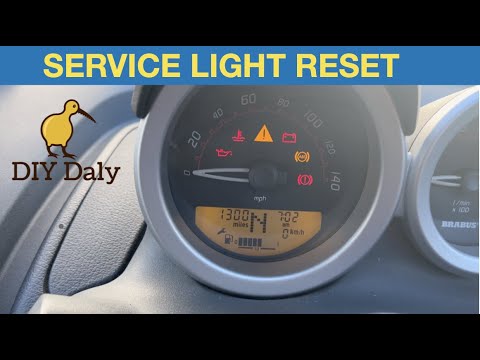
Smart
(2003-2005 /
Roadster, 452)
In the following guide we will find out what are the various steps you need to perform if you want to manually reset the service light on your 2006 S…
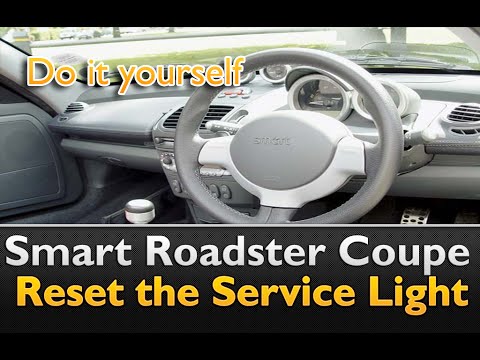
Smart
(2003-2005 /
Roadster, 452)
To reset the Service light on the Smart, you need to turn on the dashboard and then navigate to its menu by repeatedly pressing the button on the top…
Other guides you may be interested in
|
Frequently Asked QuestionsRemove the Front Door Panel on Jeep Renegade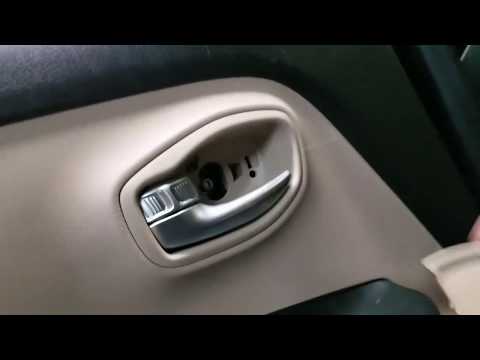
How to remove the front door panel on a Jeep Renegade? Follow these steps: before starting the disassembly, disconnect the battery terminals located in the engine compartment. Begin disassembly: using a lever, remove the switch panel located on the door handle, then use a screwdriver to unscrew the securing screws located there. Once all screws are removed, detach the plastic clips that secure the door. Remove the door panel by hand, disconnect the power connectors and the door release cable. by ScegliAuto More videos
|
|
For advertising on this site Write to info@scegliauto.com
ScegliAuto is not responsible for any inaccuracy of the data in the lists. To report any inaccuracy or your business (if you own the business in question), please write to info@scegliauto.com
Number of seconds to generate the page: 0.059
(c) ScegliAuto 2026 - info@scegliauto.com - Privacy policy VAT number: IT01247470535 |
