
|
Do it yourself
| |||
| ||||


What is the way to reprogram the key of the Smart Fortwo?
Model: Smart Smart
450
- Years 1998-2007
Reprogramming the key of a car often occurs as a result of the loss of the transponder code contained in the key itself, easily noticeable because the engine cannot be started as the key is not recognized by the ECU. If there is visible damage, a new blank key must be programmed, otherwise the operation will be carried out on the key already in our possession. An electronic code reader must be connected to the aforementioned vehicle ECU through the OBD port, then the dedicated software is started, the key is inserted into the car's ignition and the aforementioned code is loaded.
Posted on 16 June 2025 by ScegliAuto
Video tutorial
Related tutorials
Smart
(2007-2015 /
451)
In this tutorial, we will see how to reprogram the remote for the Smart ForTwo, a very simple and quick operation, for example, after replacing the b…

Smart
(2014-2022 /
453)
In this video we can see where the fuse box is located in the Smart ForTwo and what is the corresponding diagram, useful in case we need to check the…
Smart
(2007-2015 /
451)
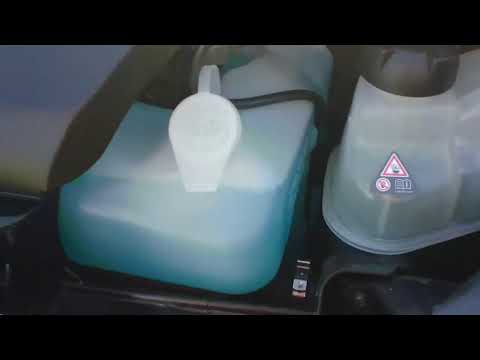
Before you begin, exit the cabin of your Smart ForTwo and head to the front of the car. Start by releasing the catches located inside the front grill…
Other guides you may be interested in
|
Frequently Asked QuestionsHow to Remove the Headrests from a Fiat Panda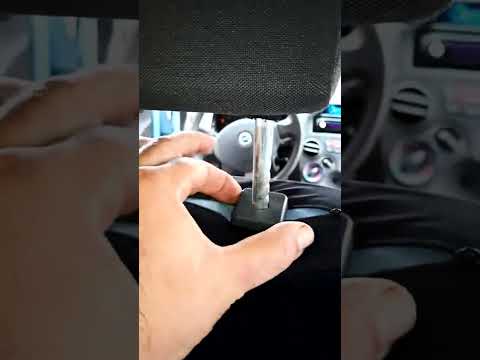
Below are the instructions to remove the headrests, both front and rear, from the Fiat Panda. First, get inside the vehicle and press and hold the side button located at the base of the headrest. Then, while holding the button, pull the headrest upwards to remove it, as shown in the video. At this point, perform the same operation on the other headrests. Now, simply insert them back in while holding the button, and finally adjust the height of all the headrests! by ScegliAuto More videos
|
|
For advertising on this site Write to info@scegliauto.com
ScegliAuto is not responsible for any inaccuracy of the data in the lists. To report any inaccuracy or your business (if you own the business in question), please write to info@scegliauto.com
Number of seconds to generate the page: 0.467
(c) ScegliAuto 2026 - info@scegliauto.com - Privacy policy VAT number: IT01247470535 |
