
|
Do it yourself
| |||
| ||||


How do you reset the Service light on the Smart 453?
Model: Smart Smart
453
- Years 2014-2022
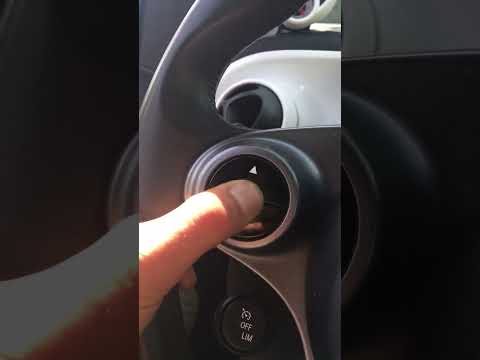
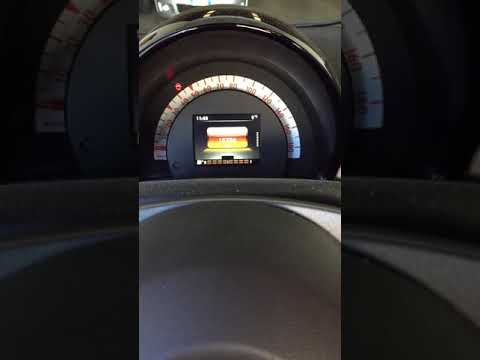
It will be possible to completely remove the Service light from the instrument panel of the Smart 453 by inserting the key into the corresponding ignition switch and then turning it to turn on the instrument panel: at this point, by pressing the buttons located on the left side of the steering wheel, you will need to navigate to the menu and select the "Maintenance" option. Once this option is selected, you will need to hold down the OK button for a few moments, until the text on the display starts flashing. By continuing to hold down the button, you will notice that the light will disappear completely.
Posted on 24 September 2025 by ScegliAuto
Video tutorial
Related tutorials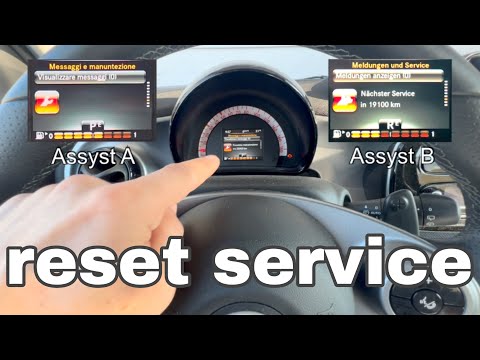
Smart
(2014-2022 /
453)
The video shows us the instructions to reset the service light on the latest model of Smart, that is the one designated with the initials 453. As a f…
Smart
(2014-2022 /
453)
The operation to reset the Service light on the Smart 453 is performed by inserting the key into the ignition and turning it to turn on the instrumen…
Smart
(2014-2022 /
453)
The Smart 453 Service warning light is reset by inserting the key into the ignition and turning it to switch on the instrument panel: at this point, …
Other guides you may be interested in
|
How to Replace the Front Headlamp Bulbs on a Dacia Sandero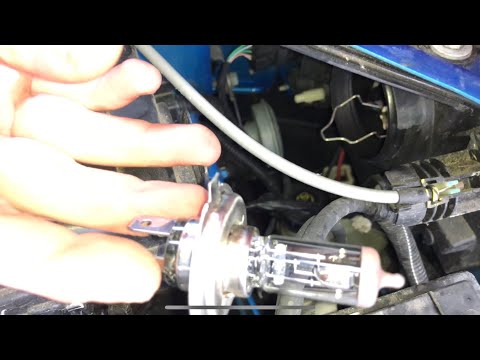
Open the bonnet by pulling the lever located at the bottom left of the dashboard, and secure it with the prop rod. Locate the inspection cap of the headlamp (at the rear of the headlamp) and remove it. After removing the caps, you will find the bulbs with metal clips; pull out the bulb holder from the headlamp and extract the damaged bulbs using a screwdriver. Fit the new bulbs (ensuring they are the correct type and size) and insert the bulb holder back into the headlamp housing. Reassemble all previously removed parts. by ScegliAuto More videos
|

|
For advertising on this site Write to info@scegliauto.com
ScegliAuto is not responsible for any inaccuracy of the data in the lists. To report any inaccuracy or your business (if you own the business in question), please write to info@scegliauto.com
Number of seconds to generate the page: 0.100
(c) ScegliAuto 2026 - info@scegliauto.com - Privacy policy VAT number: IT01247470535 |
