
|
Do it yourself
| |||
| ||||


How to deactivate the passenger airbag on the Smart Fortwo
Model: Smart Smart
451
- Years 2007-2015
In this video, we can see how to deactivate the passenger airbag on the Smart Fortwo: this operation is necessary if we are transporting a child in the front seat with their rear-facing car seat. In fact, when this occurs, it is required by ministerial regulations to deactivate the airbag, as it is harmful to small children. So let's see how to do it. On the outer side of the dashboard thickness, we see a switch that is normally in the "on" position. Let’s turn it to "off," and when we turn on the ignition, we see that the indicator light, located at the top near the central courtesy light, turns on to remind us to reactivate it when the emergency is over.
Posted on 26 January 2026 by ScegliAuto
Video tutorial
Related tutorials
Smart
(2014-2022 /
453)
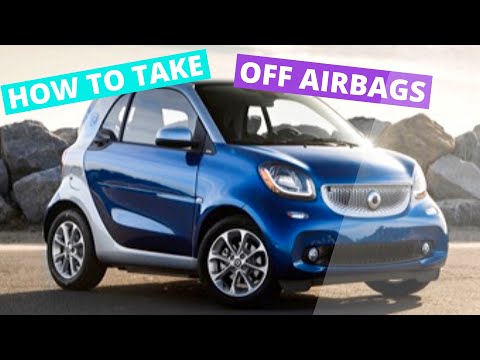
In order to deactivate the passenger airbag of the Smart, you need to open the passenger door so that you can access this side of the dashboard: here…
Smart
(2014-2022 /
453)
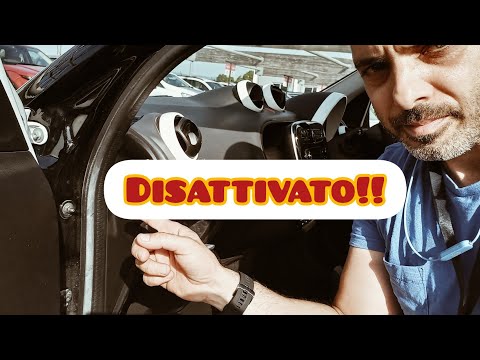
In order to deactivate the Smart passenger airbag, the dashboard must be completely disassembled on the passenger side so that the connector inside c…
Smart
(2004-2006 /
454, Fourfour1)
Let's see how to deactivate the passenger airbag on a Smart Forfour. Turning on the ignition, we find the icons "passenger airbag ON and OFF". In thi…
Other guides you may be interested in
|
Remove Front Door Panel on Opel Insignia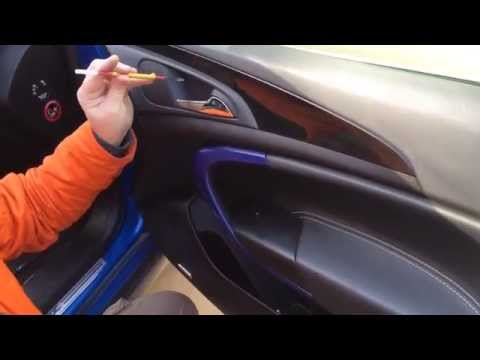
How to remove the front door panel on an Opel Insignia? Follow these steps. Before starting the disassembly, disconnect the battery terminals located in the engine bay. Begin the disassembly: use a lever to remove the plastic cover under the door handle, then use a screwdriver to unscrew the securing screws underneath. Once all screws are removed, detach the plastic clips that secure the door. Remove the door panel by hand, disconnect the power connectors and the door release cable. by ScegliAuto More videos
|

|
For advertising on this site Write to info@scegliauto.com
ScegliAuto is not responsible for any inaccuracy of the data in the lists. To report any inaccuracy or your business (if you own the business in question), please write to info@scegliauto.com
Number of seconds to generate the page: 0.069
(c) ScegliAuto 2026 - info@scegliauto.com - Privacy policy VAT number: IT01247470535 |
