
|
Do it yourself
| |||
| ||||


How to Remove the Alternator on a Smart Fortwo
Model: Smart Smart
451
- Years 2007-2015
Learn how to remove the alternator on a Smart Fortwo. Lift the rear engine cover and secure it, locate the battery and disconnect the terminals (inside the cabin). Use a socket to undo the bolts, taking care not to damage the wiring harness covers, then remove all the alternator mounting bolts (remove the oil sump if you do not want to lower the engine). Once disassembled, extract the alternator from the engine bay. Now take the new replacement part and fit it into the appropriate housing, tighten the mounting bolts, then secure the alternator's side bolts.
Updated on 8 March 2026 by ScegliAuto
Video tutorial
Related tutorials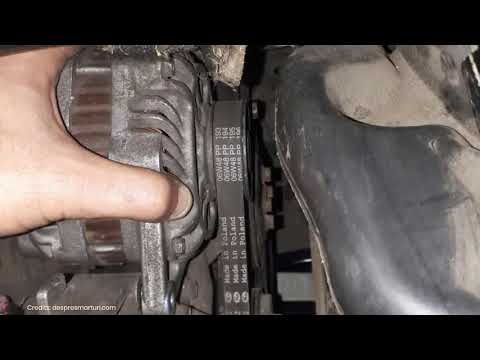
Smart
(2007-2015 /
451)
Before we can begin, we will have to go and lift the rear side of our Smart ForTwo. So let's start by unscrewing and removing the bolts that secure t…

Smart
(2007-2015 /
451)
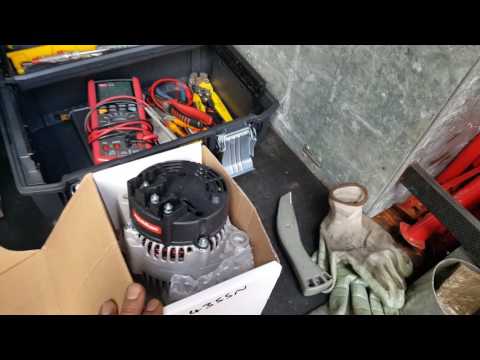
Is the alternator on your Smart Fortwo damaged? Here’s how to remove it. Disconnect the battery terminals located in the cabin. Open the engine compa…
Smart
(1998-2007 /
450)
Here’s how to remove a damaged alternator on a Smart Fortwo. Disconnect the battery terminals located in the cabin of the Smart. Open the engine comp…
Other guides you may be interested in
|
Frequently Asked QuestionsHow to Remove the Centre Console on a Renault Kangoo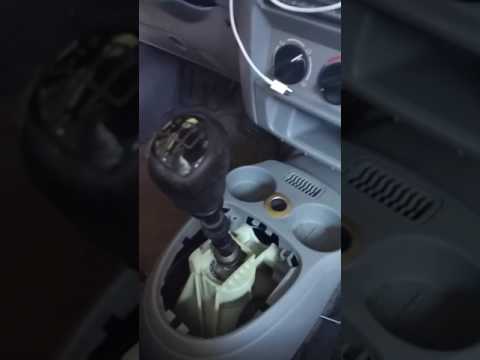
To remove the centre console on a Renault Kangoo, use a plastic lever to pry off the trim located at the bottom of the centre console. Remove the leather gaiter from the gear lever. After removing the gaiter, unscrew the securing screw located at the rear of the centre console (if present). Once this is done, pull the console away and disconnect any power cables. Finally, insert the new part into the centre console space and reassemble all components as they were removed. by ScegliAuto More videos
|

|
For advertising on this site Write to info@scegliauto.com
ScegliAuto is not responsible for any inaccuracy of the data in the lists. To report any inaccuracy or your business (if you own the business in question), please write to info@scegliauto.com
Number of seconds to generate the page: 0.088
(c) ScegliAuto 2026 - info@scegliauto.com - Privacy policy VAT number: IT01247470535 |
