
|
Do it yourself
| |||
| ||||


How to reset the service maintenance light on a Smart Fortwo
Model: Smart Smart
451
- Years 2007-2015
Let's see how to reset the service maintenance light of a Smart Fortwo. Very simple operation: enter the car body, turn on the instrument panel (we will see the fixed maintenance warning light on) and press the button located above the instrument panel twice within 4 seconds. We turn off the instrument panel and press the button previously pressed (we turn on the vehicle). After these operations: turn on the ignition again to check the maintenance carried out (the light no longer remains fixed). Always remember to make changes to the on-board computer when the vehicle is stopped and turned off.
Posted on 22 January 2020 by ScegliAuto
Video tutorial
Related tutorials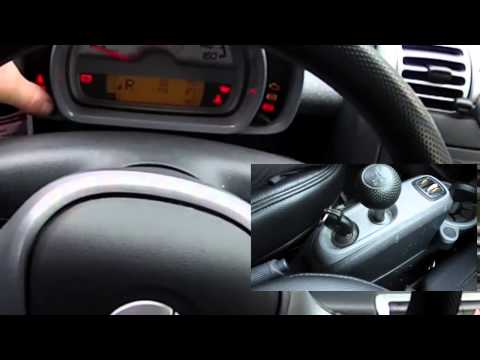
Smart
(2007-2015 /
451)
How to reset the service reset on Smart Fortwo? Very simple operation: enter the car body (sit on the driver's side seat), turn on the instrument pan…
Smart
(2014-2022 /
453)
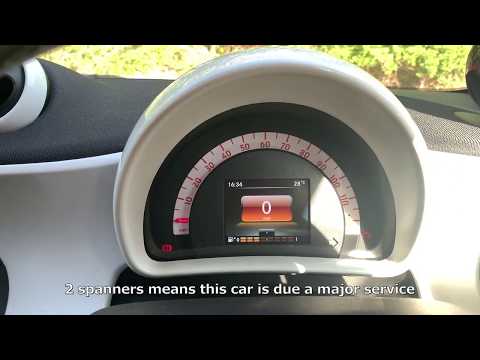
After carrying out the scheduled maintenance operations provided for the Smart ForTwo 453, the relative signal on the display must be reset by follow…

Smart
(2014-2022 /
453)
Resetting the service on the Smart ForTwo is an extremely simple and quick operation, let's see how to proceed in this tutorial. Before doing this, w…
Other guides you may be interested in
|
How to Replace Windshield Wiper Blades on BMW 5 Series E90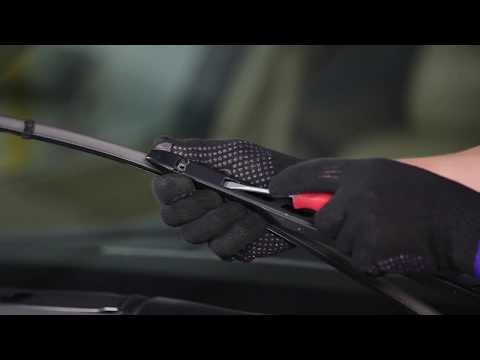
Keeping your windshield wiper blades efficient is essential for safe driving in both rain and for proper cleaning when activating the washer: for this reason, fill the reservoir with a quality cleaner, not just water. Replacing the blades on this model is simple thanks to the innovative attachment system: just lift the arm, press the two side tabs of the blade to slide it forward enough, then press the central lock to complete the removal. Finally, insert the new blade by sliding it until it locks into place. by ScegliAuto More videos
|

|
For advertising on this site Write to info@scegliauto.com
ScegliAuto is not responsible for any inaccuracy of the data in the lists. To report any inaccuracy or your business (if you own the business in question), please write to info@scegliauto.com
Number of seconds to generate the page: 0.048
(c) ScegliAuto 2026 - info@scegliauto.com - Privacy policy VAT number: IT01247470535 |
