
|
Do it yourself
| |||
| ||||


Oil and Filter Change on Smart 1000
Model: Smart Smart
451
- Years 2007-2015
Changing the oil and filter on a Smart 1000 engine is particularly simple; you don't even need to lift the car on a ramp. Prepare a container for collecting the used oil and a 27mm spanner to remove the oil sump plug. Position yourself at the rear of the vehicle, remove the oil filler cap and dipstick. Get underneath the engine and remove the closing plug, ensuring the container is placed underneath. Once the plug is removed, wait for all the oil to drain out. Clean the oil filler cap and do not lose the sealing ring. Unscrew the cylindrical filter by hand or with a tool. A small amount of oil will spill out. Wait until it stops. Lightly lubricate the replacement filter with new oil, screw it in, and tighten it securely. Refit the oil filler cap under the sump. Fill the engine with oil using 3.5 litres. Close the oil filler cap and reposition the dipstick. Start the engine and let it run for a few minutes. Turn off, wait 3-4 minutes, and check the oil level again. If necessary, add a small amount until the dipstick indicates the maximum level. It is strongly advised not to exceed the maximum level.
Updated on 21 March 2026 by ScegliAuto
This video is currently unavailable
Related tutorials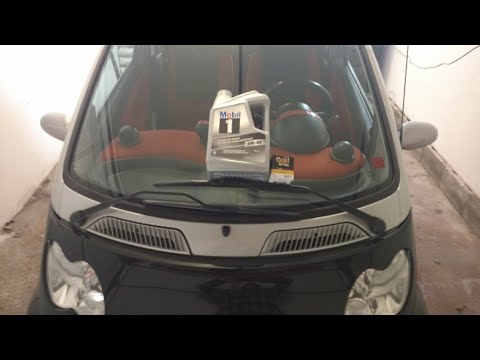
Smart
(1998-2007 /
450)
Let's see how to change the engine oil and filter on a Smart Fortwo. Lift the car with a column lift or jack and open the engine compartment located …
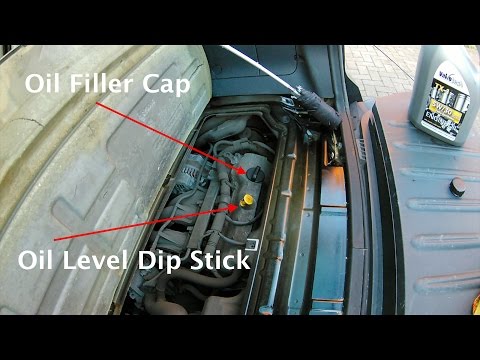
Smart
(2007-2015 /
451)
Let's see how to change the engine oil and filter on a Smart Fortwo. Lift the car with a column lift or jack and open the engine compartment located …
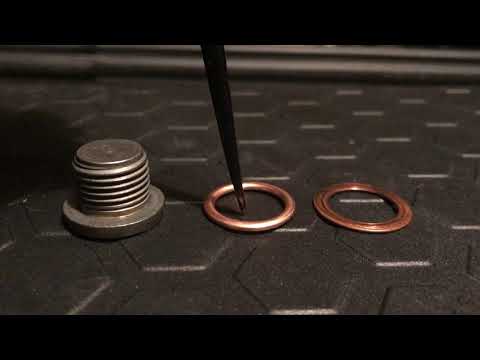
Smart
(2014-2022 /
453)
This video provides instructions on how and when to change the engine oil on the Smart Fortwo 453 during routine maintenance. The manufacturer recomm…
Other guides you may be interested in
|
Frequently Asked QuestionsHow to Set the Clock on the Opel Zafira
Setting the clock to the current Italian time on an Opel Zafira model B is a very simple operation, also made easier by our short instructional video. The first step is to turn on the instrument panel and then press the SETTING button located on the central dashboard. Once inside the menu, use the buttons to navigate to the clock setting. Adjust the hours and minutes and restart the instrument panel. If the clock does not update, it may be necessary to diagnose the radio or the vehicle's control unit. by ScegliAuto More videos
|

|
For advertising on this site Write to info@scegliauto.com
ScegliAuto is not responsible for any inaccuracy of the data in the lists. To report any inaccuracy or your business (if you own the business in question), please write to info@scegliauto.com
Number of seconds to generate the page: 0.196
(c) ScegliAuto 2026 - info@scegliauto.com - Privacy policy VAT number: IT01247470535 |
