
|
Do it yourself
| |||
| ||||


How to replace the power window button on a Smart
Model: Smart Smart
Fourfour1, 454
- Years 2004-2006
Before we can start, we will have to go and sit in the driver's seat of our Smart. Using a small slotted screwdriver to pry, we will have to remove the plastic handle cover placed around the window lifter button. Once we have removed the side cover, using the screwdriver from before, we will have to pry into the gap between the button and its housing. By doing so, we will have disengaged the button from its housing, and subsequently we will have to go and disconnect the rear plug, and we will have finished the disassembly. To mount the new button and close the handle we will simply have to repeat these instructions, but on the contrary, and we will have finished the replacement.
Posted on 16 December 2020 by ScegliAuto
Video tutorial
Related tutorials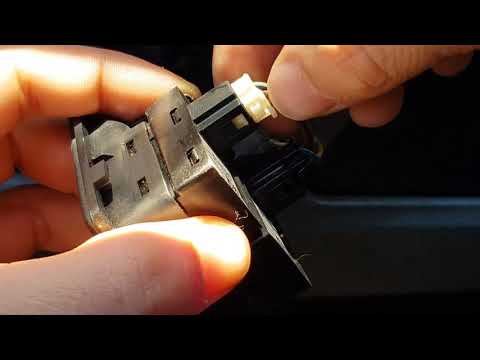
Smart
(2007-2015 /
451)
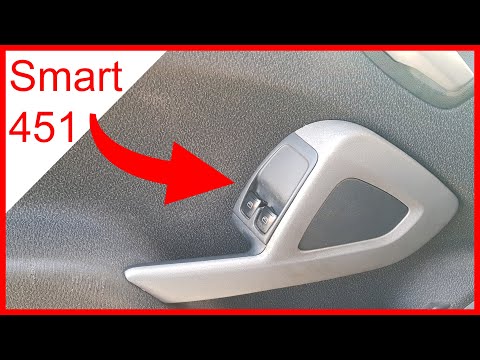
Before starting, we will have to sit in the driver's seat of our Smart ForTwo. So let's start by disengaging and removing the plastic located around …
Smart
(1998-2007 /
450)
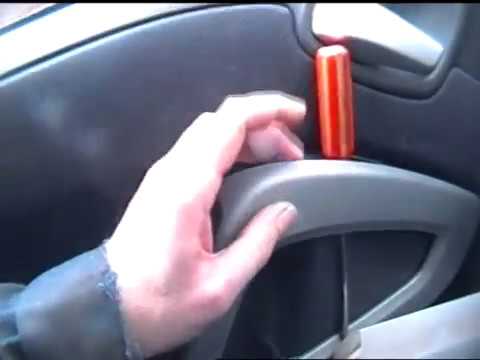
Before we can start, we will have to go to open the driver's side door of our Smart ForTwo, and then we will have to sit in the driver's seat. So let…
Smart
(2007-2015 /
451)
Briefly, we will see the instructions that will allow us to disassemble and replace or repair the window lift button of the Smart Fortwo. First, we o…
Other guides you may be interested in
|
How to Use the Radio Navigator of a Hyundai Tucson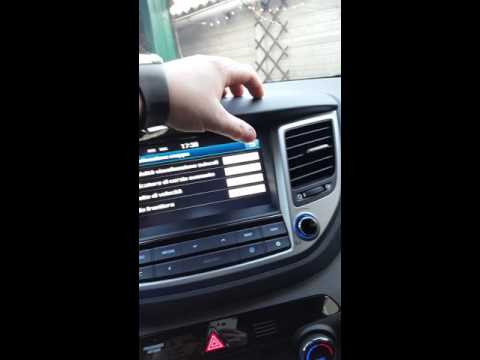
This instructional video demonstrates how to use the navigator and the information from the radio/navigator of the Hyundai Tucson. Pressing the power button on the radio will display the navigator screen with all navigation information. Below the radio display, there are manual control buttons for the stereo (a figurative button where if removed there is the SD card slot and a reset button beside it). The touch navigation screen is clear and very intuitive, easy to use even for watching videos. Always make the necessary settings for the navigator/radio while the vehicle is stationary. by ScegliAuto More videos
|
|
For advertising on this site Write to info@scegliauto.com
ScegliAuto is not responsible for any inaccuracy of the data in the lists. To report any inaccuracy or your business (if you own the business in question), please write to info@scegliauto.com
Number of seconds to generate the page: 0.062
(c) ScegliAuto 2026 - info@scegliauto.com - Privacy policy VAT number: IT01247470535 |
