
|
Do it yourself
| |||
| ||||



How to Replace the Front Bulb of a Smart
Model: Smart Smart
451
- Years:
2007, 2008, 2009, 2010, 2011, 2012, 2013, 2014, 2015
Video tutorial
Before you can start, you need to exit the cabin of your Smart and head to the front. Begin by unfastening the catches that secure the front bonnet, then remove it. This will give you access to the rear of the headlamp. Next, remove the rear cover of the bulb. Then, pull the bulb out of the socket. This will expose the bulb. At this point, disconnect the corresponding electrical connector, and you will have completed the disassembly. To fit the new bulb and reassemble everything, follow this procedure in reverse, and the replacement will be complete.
Updated on 3 April 2026 by ScegliAuto
Related tutorials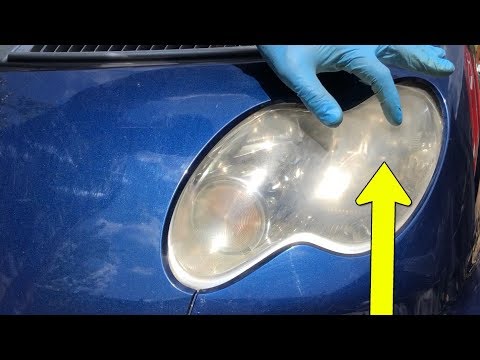
Smart
(2004-2006 /
454, Fourfour1)
Start by removing the upper front cover of your Smart ForTwo using the ignition key, then remove the underlying plastic. Next, unclip and remove the …
Smart
(2007-2015 /
451)
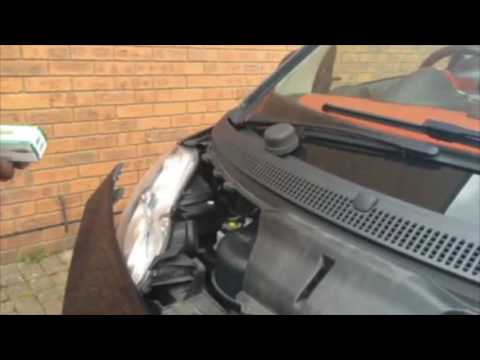
Start by releasing the front catches that secure the bonnet to your Smart ForTwo, then unclip and remove the bonnet itself. Next, unclip and remove t…
Smart
(1998-2007 /
450)
Begin by removing the upper front grille of your Smart ForTwo using the ignition key, then remove the internal plastic. After this, unclip and remove…
Other guides you may be interested in |
How to replace the battery in the key of the Opel Corsa F
To independently replace the battery inside the key of your Opel Corsa F, you only need a few minutes. All you have to do is carefully read the following guide and apply the described steps. First, ensure you have a small flat screwdriver and, of course, a new compatible button battery for your Opel Corsa F key. At this point, use the flat screwdriver to remove the rear cover of the key and take out the old battery. Finally, insert the new battery and close the cover. by ScegliAuto More videos
|
|
For advertising on this site Write to info@scegliauto.com
ScegliAuto is not responsible for any inaccuracy of the data in the lists. To report any inaccuracy or your business (if you own the business in question), please write to info@scegliauto.com
Number of seconds to generate the page: 0.009
(c) ScegliAuto 2026 - info@scegliauto.com - Privacy policy VAT number: IT01247470535 |
