
|
Do it yourself
| |||
| ||||


How to reset the service light on the Smart Fortwo 453
Model: Smart Smart
453
- Years 2014-2022
Let's find out in this video tutorial how to reset the oil change routine maintenance service light on a Smart Fortwo 453, third series. First of all we get in the car and start turning on the ignition; after which we go to press the upper button that we find on the wiper lever and then press the "ok" button (the one at the bottom) to reset the days: keep the button pressed for at least twenty seconds for the reset procedure to be confirmed . At this point we turn off the panel and turn it on again, verifying the result obtained!
Posted on 9 July 2021 by ScegliAuto
Video tutorial
Related tutorials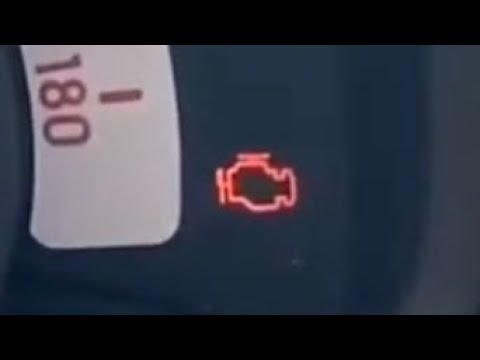
Smart
(2014-2021 /
)
If when you start your Smart Fortwo 453 you notice the appearance of the maintenance warning light on the instrument panel, don't worry because you c…
Smart
(2014-2022 /
453)
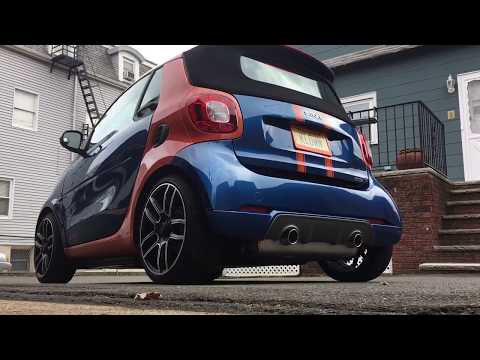
Let's see in this video the main instructions to be able to remove the rear bumper on a Smart Fortwo 453, in simple and quick steps. First we are goi…
Smart
(2014-2022 /
453)
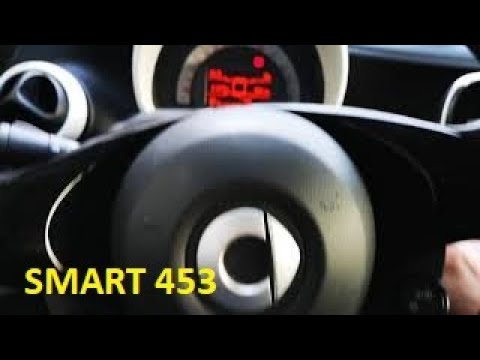
Today we will see how to reset the oil change routine maintenance service light of a Smart Fortwo 453, in simple steps. First of all, let's get insid…
Other guides you may be interested in |
Remove Front Door Panel on Opel Insignia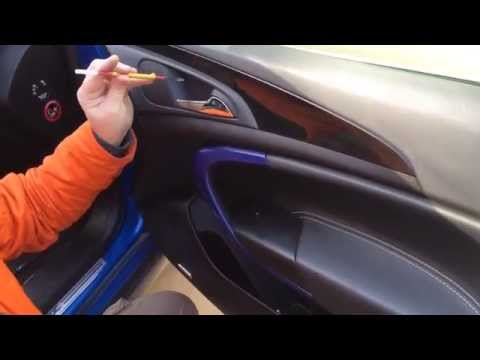
How to remove the front door panel on an Opel Insignia? Follow these steps. Before starting the disassembly, disconnect the battery terminals located in the engine bay. Begin the disassembly: use a lever to remove the plastic cover under the door handle, then use a screwdriver to unscrew the securing screws underneath. Once all screws are removed, detach the plastic clips that secure the door. Remove the door panel by hand, disconnect the power connectors and the door release cable. by ScegliAuto More videos
|

For advertising on this site Write to info@scegliauto.com
ScegliAuto is not responsible for any inaccuracy of the data in the lists. To report any inaccuracy or your business (if you own the business in question), please write to info@scegliauto.com
Number of seconds to generate the page: 0.042
(c) ScegliAuto 2026 - info@scegliauto.com - Privacy policy VAT number: IT01247470535 |
