
|
Do it yourself
| |||
| ||||


Setting the clock on the Smart 451
Model: Smart Smart
451
- Years 2007-2015
If you are trying to change the time of the Smart watch, please read the following steps carefully. To do this, just use the two buttons on the right and left of the car speedometer. By holding down the button on the right for a few seconds, you will access the hour setting as soon as it flashes. Release your finger and press the right button again and the minutes on the clock will start flashing. By clicking individually you will advance one by one, holding down will also advance the hours gradually faster. Same operation also for the left button, but in the reverse direction. Once the time has been selected, just do not press any button and the time will be set correctly. The set time will flash for a few seconds and then stop. This way you will have correctly changed the time of your watch.
Posted on 16 November 2021 by ScegliAuto
Video tutorial
Related tutorials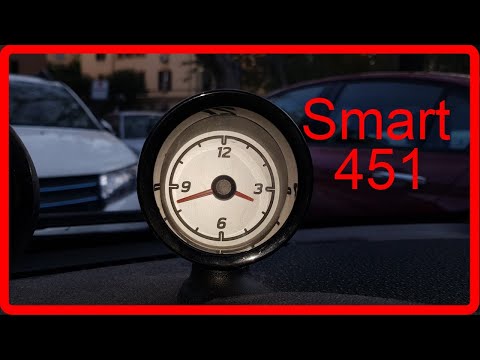
Smart
(2007-2015 /
451)
We see in this video a simple operation but that can be very useful if we have a Smart Fortwo 451, the second series of the German 2-seater city car.…
Smart
(2007-2015 /
451)
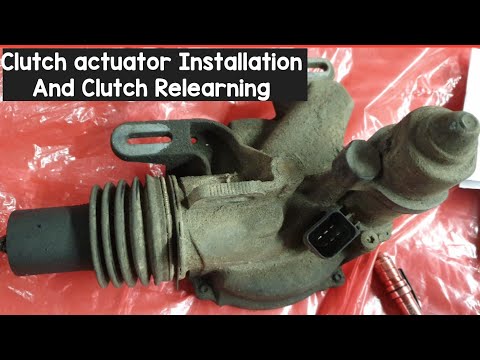
In today's video tutorial we will see how to install the clutch actuator on the Smart Fortwo 451, following the instructions below. First of all we l…
Smart
(2007-2015 /
451)
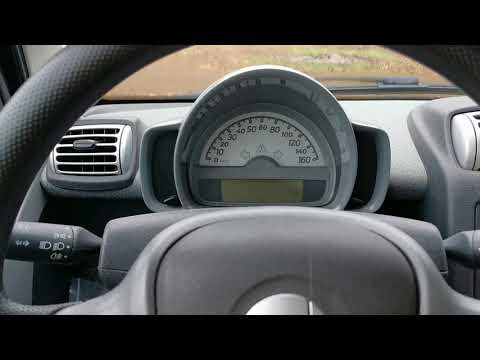
In today's tutorial we will see how to adjust the clock of our Smart 451. Sitting in the driver's seat, turn on the instrument panel and press the bu…
Other guides you may be interested in
|
Resetting the Service on the Fiat 500X
Resetting the service on a Fiat 500X? Let's see how to reset it from inside the car. Enter the cabin and turn on the instrument cluster using the button next to the steering wheel. Press the accelerator pedal three times in quick succession, then release the pedal, turn off the instrument cluster, and then turn it back on, waiting for it to illuminate. Always remember to make changes to the onboard computer with the engine off. Check the changes made on the car. Turn off the instrument cluster after setting. by ScegliAuto More videos
|

|
For advertising on this site Write to info@scegliauto.com
ScegliAuto is not responsible for any inaccuracy of the data in the lists. To report any inaccuracy or your business (if you own the business in question), please write to info@scegliauto.com
Number of seconds to generate the page: 0.085
(c) ScegliAuto 2026 - info@scegliauto.com - Privacy policy VAT number: IT01247470535 |
