
|
Do it yourself
| |||
| ||||


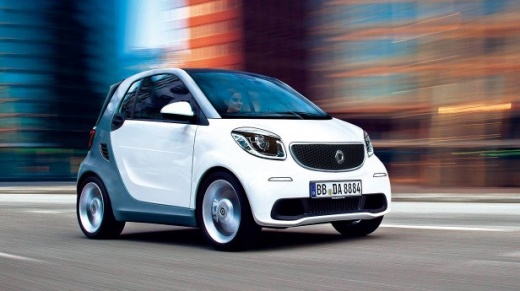
How do you set the clock on the Smart?
Model: Smart Smart
453
- Years:
2014, 2015, 2016, 2017, 2018, 2019, 2020, 2021, 2022
Video tutorial
The adjustment of the clock shown on the Smart's instrument panel can be done by turning on the instrument panel, so that it is possible to navigate the menu that will appear on the display. At this point, it will be possible to scroll using the buttons on the left side of the steering wheel: once the clock option appears, it must be selected in order to modify both the hours and minutes, always using the arrows. Afterwards, it will be possible to return to the initial screen to verify that the modification has been done correctly.
Posted on 24 June 2025 by ScegliAuto
Related tutorials
Smart
(2007-2015 /
451)
These short and simple steps will allow us to change the time on the display of the Smart Fortwo instrument panel. First, we get into the car and sta…
Smart
(2007-2015 /
451)
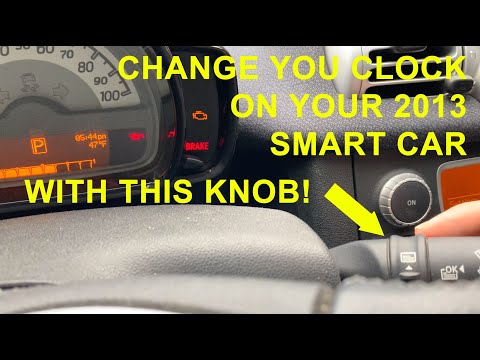
In this tutorial, you will learn how to set the time in the Smart ForTwo 451. This is a very simple and quick operation to perform after a flat batte…

Smart
(2014-2022 /
453)
It will be possible to adjust the clock of the Smart by turning on the instrument panel and then pressing the SETUP button located just below the rad…
Other guides you may be interested in
|
How to Open the Fuel Filler Flap in the Hyundai i30?
In this tutorial, you will learn how to open the fuel filler flap in the Hyundai i30, a very simple operation that follows the typical procedure of most vehicles. First, unlock the locks using the designated button on the remote, then open the driver's door, locate the release lever on the left side of the seat, and operate it. Next, move to the fuel filler flap, open it completely, unscrew the cap, and refuel as needed. To close the flap, simply press it gently. by ScegliAuto More videos
|
|
For advertising on this site Write to info@scegliauto.com
ScegliAuto is not responsible for any inaccuracy of the data in the lists. To report any inaccuracy or your business (if you own the business in question), please write to info@scegliauto.com
Number of seconds to generate the page: 0.065
(c) ScegliAuto 2026 - info@scegliauto.com - Privacy policy VAT number: IT01247470535 |
