
|
Do it yourself
| |||
| ||||


How to reset the service in the Smart ForTwo?
Model: Smart Smart
453
- Years 2014-2022
After carrying out the scheduled maintenance operations provided for the Smart ForTwo 453, the relative signal on the display must be reset by following the procedure shown in this video. It should be noted that the number of wrenches present in the warning lights indicates the nature of the service: 1 key means light maintenance, 2 keys instead indicate heavy maintenance. To reset the warning light, turn on the instrument panel, position the display on the service screen and hold down the "OK" button for at least 30 seconds, or in any case for the time it will take for the screen to flash and then reset.
Posted on 22 November 2021 by ScegliAuto
Video tutorial
Related tutorials
Smart
(2014-2022 /
453)
Good morning, today I will guide you through the process of resetting the partial trip on your Smart ForTwo. To begin, let's carefully enter the car.…

Smart
(2014-2022 /
453)
.. In this tutorial, we can see how to reset the service in the Smart ForTwo, an extremely simple and quick operation, to be done only.. …

Smart
(2014-2022 /
453)
These brief steps will show us the necessary procedure on how to reset the service light of the Smart Fortwo. First of all, we get into the car and s…
Other guides you may be interested in
|
How to Replace the Bulbs on a Nissan Almera Rear Light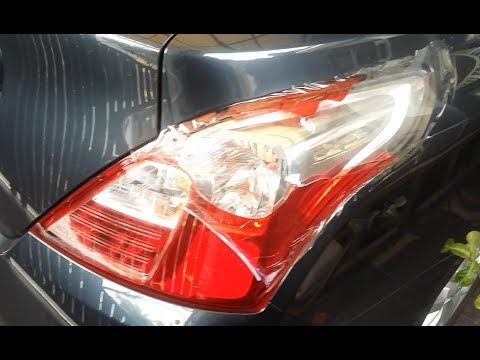
Do you want to change the damaged bulb of a rear light on a Nissan Almera? Follow this video carefully to proceed correctly. Open the boot, remove the fabric side covering, and detach the plastic rivets on the covering. Unscrew the retaining bolts of the rear light using a socket spanner. Once the light is free from the bolts, pull the rear light out of the metal housing, then disconnect the power cable. Place the stop light on a comfortable surface and replace all worn bulbs. To refit the rear light, position it in its housing and tighten all screws after reconnecting the lighting connector. by ScegliAuto More videos
|

For advertising on this site Write to info@scegliauto.com
ScegliAuto is not responsible for any inaccuracy of the data in the lists. To report any inaccuracy or your business (if you own the business in question), please write to info@scegliauto.com
Number of seconds to generate the page: 0.117
(c) ScegliAuto 2026 - info@scegliauto.com - Privacy policy VAT number: IT01247470535 |
