
|
Do it yourself
| |||
| ||||


Turn on the Smart with the discharged battery
Model: Smart Smart
451
- Years 2007-2015
Today we are going to turn on a Smart 451 with a low battery. We enter the passenger side vehicle, lift the carpet placed under the mat so as to identify the battery to be powered through the starter-booster. Once the battery has been identified, turn on the starter-booster and connect the red cable on the side with the + (positive) symbol and the black cable with the - (negative) symbol. Now just turn on the ignition and start the vehicle, wait a few seconds with the engine running and then disconnect the starter-booster. We tidy up the carpet removed earlier and our work ends here, but let's not forget not to turn off the engine, you may need the advice of an auto electrician to replace the battery.
Posted on 12 August 2022 by ScegliAuto
Video tutorial
Related tutorials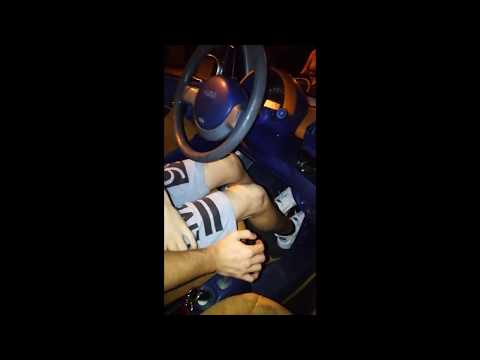
Smart
(1998-2007 /
450)
If the battery is flat to the point that it does not allow the starter motor to turn over, even if the vehicle has an automatic gearbox, it is possib…
Smart
(2007-2015 /
451)
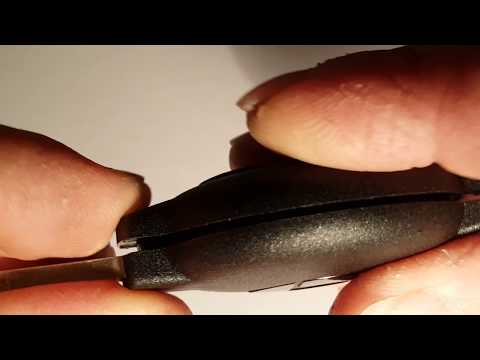
How to replace the key battery of a Smart Fortwo? Follow these steps: take your ignition key and use a screwdriver to lever between the two plastic h…
Smart
(1998-2007 /
450)
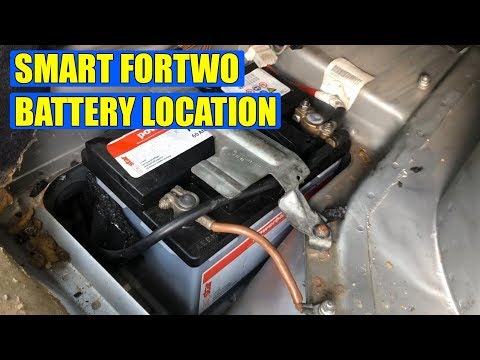
How to open the battery compartment door on Smart? The battery of the Smart is to the right of the passenger side under the carpet. We open the car d…
Other guides you may be interested in
|
How to Replace the Front Wing of a Renault Clio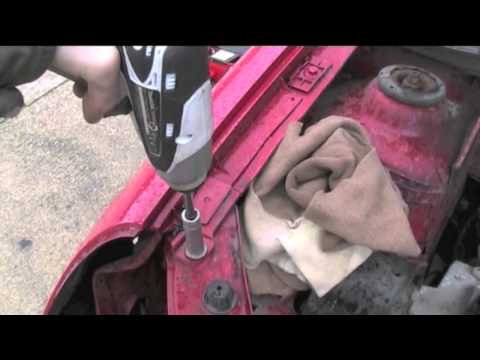
First, remove the wheel where the replacement will occur, then lift the vehicle. This will provide easy access to the clips and bolts securing the wing from the inside. Next, remove the bolts located on the underside of the body and any remaining screws. You can now comfortably extract the entire inner part of the wing. To remove the bumper, follow the instructions in the video. To reassemble the wing, simply retrace the steps in reverse. by ScegliAuto More videos
|

|
For advertising on this site Write to info@scegliauto.com
ScegliAuto is not responsible for any inaccuracy of the data in the lists. To report any inaccuracy or your business (if you own the business in question), please write to info@scegliauto.com
Number of seconds to generate the page: 0.088
(c) ScegliAuto 2026 - info@scegliauto.com - Privacy policy VAT number: IT01247470535 |
