
|
Do it yourself
| |||
| ||||


How do you remove the car stereo from the Smart 451?
Model: Smart Smart
451
- Years 2007-2015
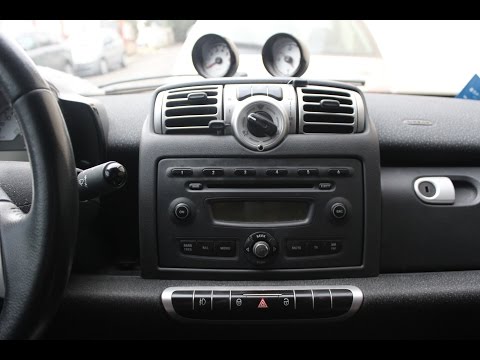
In order to remove the car radio from the Smart 451, you need to pry an object so that all the plastic covers that surround the device can be removed. Once all these dashboard panels have been removed, it will be possible to unscrew the screws underneath. When these have been removed, it will be possible to remove the radio from its housing by also disconnecting the connectors located at the rear. In this way it will be possible to connect the connectors to the new radio and insert it in its seat, covering it with the plastic panels.
Posted on 24 September 2022 by ScegliAuto
Video tutorial
Related tutorials
Smart
(2007-2015 /
451)
In this video tutorial we see how to disassemble the car radio on a Smart Fortwo 451. First we must carefully remove the button panel under the radio…
Smart
(2007-2015 /
451)
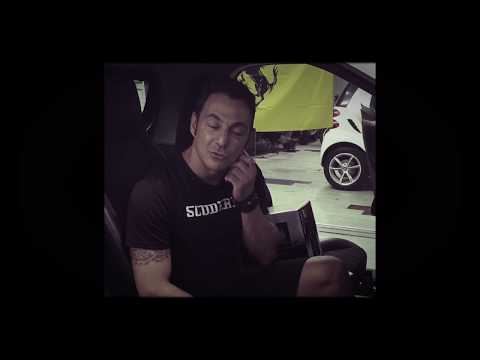
The video shows how to disassemble the car radio of the Smart 451 from 2007 to 2015. It is a very simple operation that can be carried out without th…
Smart
(2007-2015 /
451)
To mount a double DIN car radio or multimedia system on a Smart 451 series it is necessary to: remove the panel located on the central console which …
Other guides you may be interested in
|
Frequently Asked QuestionsRemoving the Front Wheel of a Yamaha Tmax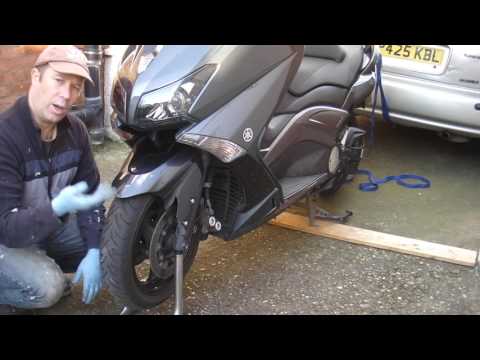
In this video tutorial, you will learn how to remove the front wheel of a Yamaha Tmax 530 (penultimate series). First, remove the fork bolts using a ratchet spanner: then also remove the brake caliper. Now, you will need a stand to lift the front of the bike to safely remove the wheel: then unscrew the central bolt of the wheel: at this point, you can remove it. If desired, you can also remove the mudguard by unscrewing the relevant screws. Apply the reverse procedure for reassembly! by ScegliAuto More videos
|

|
For advertising on this site Write to info@scegliauto.com
ScegliAuto is not responsible for any inaccuracy of the data in the lists. To report any inaccuracy or your business (if you own the business in question), please write to info@scegliauto.com
Number of seconds to generate the page: 0.106
(c) ScegliAuto 2026 - info@scegliauto.com - Privacy policy VAT number: IT01247470535 |
