
|
Do it yourself
| |||
| ||||


How to reset the Smart 451 service light
Model: Smart Smart
451
- Years 2007-2015
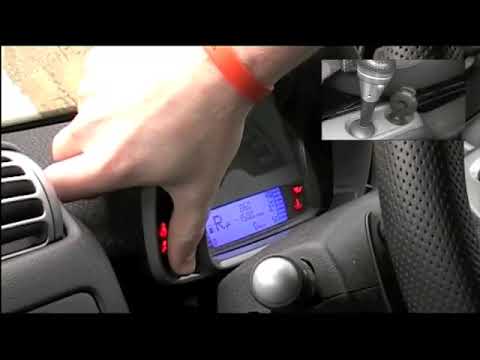
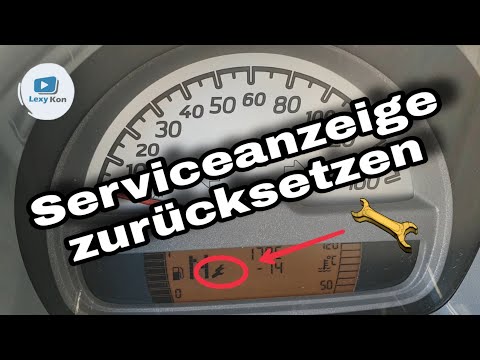
In our new guide dedicated to your Smart Fortwo 451 (year 2007-2015) we will explain how to manually reset the service light correctly. First insert the key and start the instrument panel. Immediately after, locate the small button located in the lower left part of the picture and quickly press it twice consecutively. Then turn off the ignition. At this point, hold down the button used just before and restart the picture. Wait for the light to go out and release the button. The procedure has now ended successfully.
Posted on 25 November 2022 by ScegliAuto
Video tutorial
Related tutorials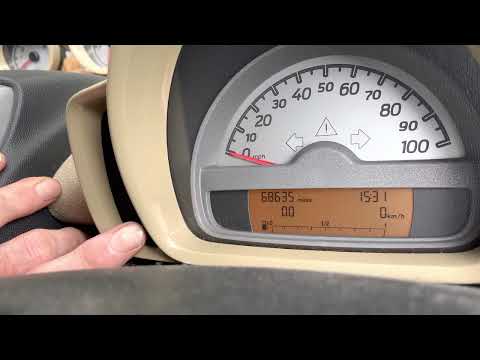
Smart
(2007-2015 /
451)
In the following guide dedicated to your Smart ForTwo 451 (2007-2015) we will give you all the necessary information so that you can manually reset t…
Smart
(2007-2015 /
451)
In order to successfully complete the manual reset of the service light on the instrument panel of your Smart 451, you must follow all the steps desc…
Smart
(2007-2015 /
451)
If you have just serviced your Smart 451 or want to postpone this service, you must manually reset the relevant warning light on the dashboard displa…
Other guides you may be interested in
|
How to Change the Key Fob Battery on a Golf 7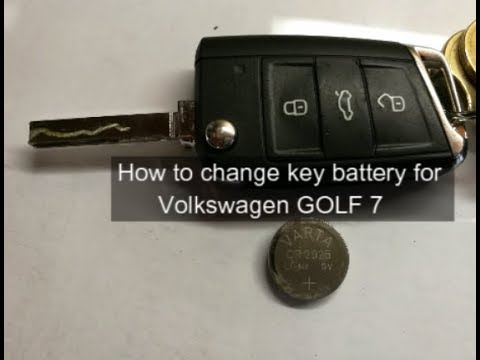
Replacing the battery in the key fob is very simple. Let's see how to do it on a Golf key. Take your key fob and press the button to release the metal key. Use a screwdriver to pry between the key cover and the top plastic cap. Remove the worn battery with a screwdriver, take a new one of the same size and voltage. Refit the cover onto the key fob, pressing until you hear it click into place. Finally, close the metal key back into the fob. Check that the key fob functions correctly. by ScegliAuto More videos
|

|
For advertising on this site Write to info@scegliauto.com
ScegliAuto is not responsible for any inaccuracy of the data in the lists. To report any inaccuracy or your business (if you own the business in question), please write to info@scegliauto.com
Number of seconds to generate the page: 0.104
(c) ScegliAuto 2026 - info@scegliauto.com - Privacy policy VAT number: IT01247470535 |
