
|
Do it yourself
| |||
| ||||


How to Replace the Key Battery of a Smart Forfour
Model: Smart Forfour
MK 1, W454
- Years:
2004, 2005, 2006
Video tutorial
To replace the key battery of a Smart Forfour, you will need a small star screwdriver, a small flat screwdriver, and the correct model of the battery to replace, which is a flat CR 2016 type 3V. Take the key and undo the small screw on the back; insert the flat screwdriver tip into the edge of the key casing and lever it open. At this point, remove the exhausted battery and proceed to replace it, then close the casing by securing the screw that was removed initially.
Updated on 27 June 2026 by ScegliAuto
Related tutorials
Smart Forfour
(2004-2006 /
MK 1, W454)
To program the key of the Smart Forfour, it will be possible to insert the blank key into the corresponding slot: once the key is inserted, it will b…
Smart Forfour
(2004-2006 /
MK 1, W454)
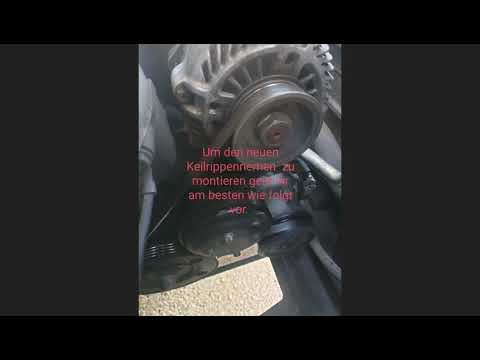
To replace the serpentine belt on a Smart Forfour, loosen the screws that secure the front wheel to its housing, then remove the inner wheel arch lin…

Smart Forfour
(2004-2006 /
MK 1, W454)
The instructions in this guide will show us how to reset the maintenance reminder (service) of the Smart Forfour. First, we get on board the cabin an…
Other guides you may be interested in
|
How to Set the Time in an Audi A4?
In this tutorial, you will see how to set the time in an Audi A4, a very simple and quick operation to perform after replacing the battery or when the time changes. First, insert the key and turn on the instrument cluster. Then, press the "SETUP" button located on the center console. Next, press the upper left arrow button, navigate to the "Time" option, and use the central knob to adjust the clock. Finally, set any necessary formats and save by returning to the main screen. by ScegliAuto More videos
|
|
For advertising on this site Write to info@scegliauto.com
ScegliAuto is not responsible for any inaccuracy of the data in the lists. To report any inaccuracy or your business (if you own the business in question), please write to info@scegliauto.com
Number of seconds to generate the page: 0.122
(c) ScegliAuto 2026 - info@scegliauto.com - Privacy policy VAT number: IT01247470535 |
