
|
Do it yourself
| |||
| ||||


How to reset the service on the Smart ForFour
Model: Smart Smart
454, Fourfour1
- Years 2004-2006
After having changed the oil and relative filter or after having serviced your car, it will be necessary to reset the service signal sent on the instrument panel. To do this, first of all, sit down in the seat driving, turn on the ignition and do not start the engine, there are arrows on the steering wheel on the left side. It is an ok command. Scroll through the on-board computer menu with the arrows until you reach the "Service" item, then press and hold down the "ok" button until the server indication goes off.
Posted on 15 December 2022 by ScegliAuto
Video tutorial
Related tutorials
Smart
(2014-2022 /
453)
In this tutorial, we can see how to reset the service in the Smart ForFour, an extremely simple and quick operation, to be carried out only once all …

Smart
(2014-2022 /
453)
In this tutorial, we can see how to reset the service in the Smart ForFour, an extremely simple and quick operation, to be carried out only once all …

Smart
(2014-2022 /
453)
These short and simple instructions will allow us to reset the maintenance reminder (service) on the Smart Forfour, as well as on the Fortwo. First o…
Other guides you may be interested in
|
How to Replace the Headlight Bulbs on a Mercedes C-Class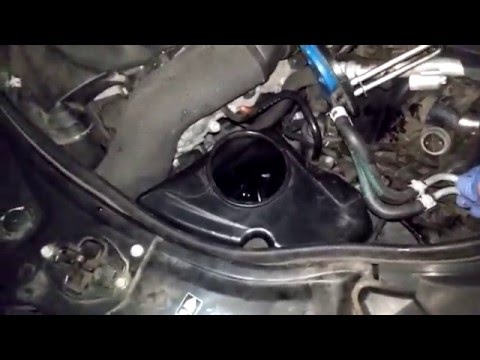
Let's see how to replace the headlight bulbs on a Mercedes C-Class. Open the hood by pulling the lever located at the bottom right of the dashboard and secure it with the prop rod. Locate the inspection cap of the headlight (located at the back of the headlight) and remove it. At this point, you will find the bulbs with metal clips; pull the bulb holder out of the headlight and extract the damaged bulbs using a screwdriver or needle-nose pliers. Install the new bulbs (always the correct type and size) and insert the bulb holder back into the headlight. Reassemble all the parts removed earlier. by ScegliAuto More videos
|
|
For advertising on this site Write to info@scegliauto.com
ScegliAuto is not responsible for any inaccuracy of the data in the lists. To report any inaccuracy or your business (if you own the business in question), please write to info@scegliauto.com
Number of seconds to generate the page: 0.080
(c) ScegliAuto 2026 - info@scegliauto.com - Privacy policy VAT number: IT01247470535 |
