
|
Do it yourself
| |||
| ||||


How to Remove the External Wing Mirror on a Smart Fortwo 450
Model: Smart Smart
450
- Years 1998-2007
In this video tutorial, see how to remove the external wing mirror on a Smart Fortwo 450 by following a few simple steps: first, lower the window slightly; next, remove the knob by pulling it off as shown in the video. Once the knob cover is removed, you will find a ring that needs to be unscrewed. After unscrewing the ring, remove the two Torx T20 screws. Once the two Torx screws are removed, take off the plastic cover by pressing inwards and then lifting it upwards. After removing the plastic cover, proceed to remove the three Torx T20 screws located inside; once these three screws are removed, the mirror is disassembled.
Updated on 6 July 2026 by ScegliAuto
Video tutorial
Related tutorials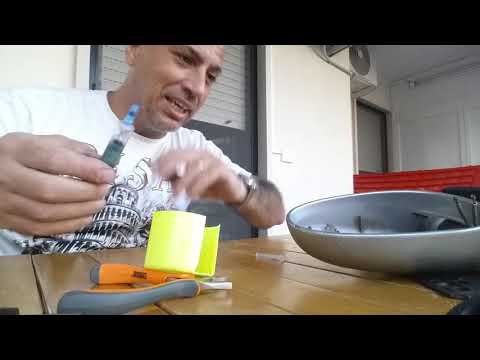
Smart
(1998-2007 /
450)
In today's tutorial video, we will see instructions on how to remove the external wing mirror from a first-generation Smart Fortwo in simple steps. F…
Smart
(1998-2007 /
450)
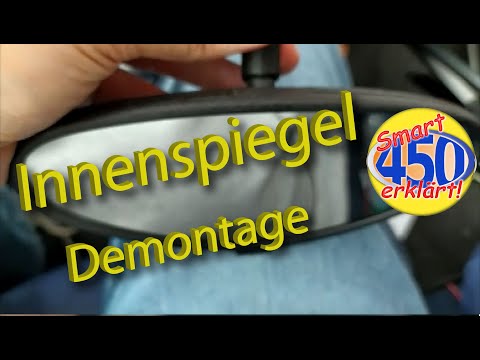
In this tutorial video, we will see how to remove and replace the internal rear-view mirror from a Smart Fortwo 450 in simple steps illustrated below…
Smart
(1998-2007 /
450)
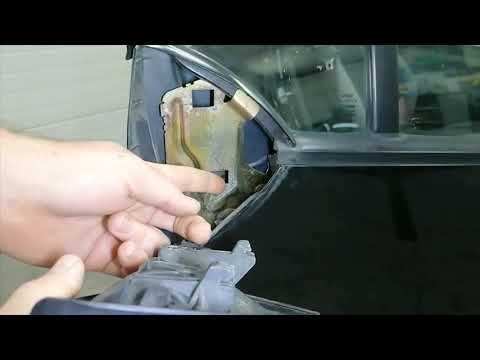
In this video, you will learn how to remove the outer door panel of the Smart Fortwo 450 by following the instructions below. First, open the front d…
Other guides you may be interested in |
How to reset the tyre pressure warning light on the Suzuki Jimny?
To reset the tyre pressure warning light on the Suzuki Jimny, first inflate the tyres to the pressure value indicated on the corresponding sticker: this is located at the bottom of the driver's door pillar. Once the tyres are inflated, insert the ignition key and turn on the instrument panel: select the screen that indicates the tyre pressures, checking that the values change. After a few seconds, the tyre pressure warning light will automatically turn off. by ScegliAuto More videos
|
|
For advertising on this site Write to info@scegliauto.com
ScegliAuto is not responsible for any inaccuracy of the data in the lists. To report any inaccuracy or your business (if you own the business in question), please write to info@scegliauto.com
Number of seconds to generate the page: 0.136
(c) ScegliAuto 2026 - info@scegliauto.com - Privacy policy VAT number: IT01247470535 |
