
|
Do it yourself
| |||
| ||||


How to reset the service light on the Smart Fortwo 453
Model: Smart Smart
- Years 2014-2021
If when you start your Smart Fortwo 453 you notice the appearance of the maintenance warning light on the instrument panel, don't worry because you can easily eliminate it through the following manual reset procedure. First insert the key and turn on the ignition. Then use the upper button located at the end of the right stalk of the steering wheel to navigate within the menu and locate the item relating to vehicle maintenance. Now hold down the "OK" button for about 20 seconds and release it as soon as the display stops flashing.
Posted on 1 March 2023 by ScegliAuto
Video tutorial
Related tutorials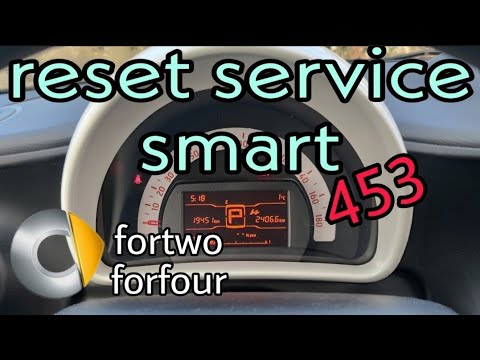
Smart
(2014-2022 /
453)
Let's find out in this video tutorial how to reset the oil change routine maintenance service light on a Smart Fortwo 453, third series. First of all…
Smart
(2014-2022 /
453)
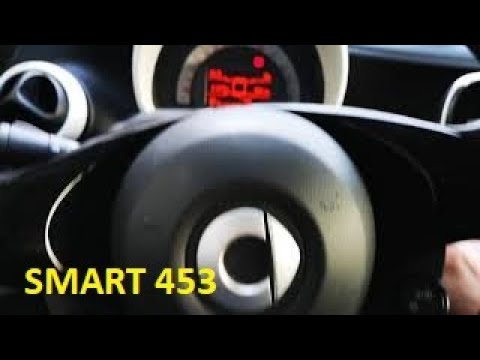
Today we will see how to reset the oil change routine maintenance service light of a Smart Fortwo 453, in simple steps. First of all, let's get insid…
Smart
(2014-2022 /
453)
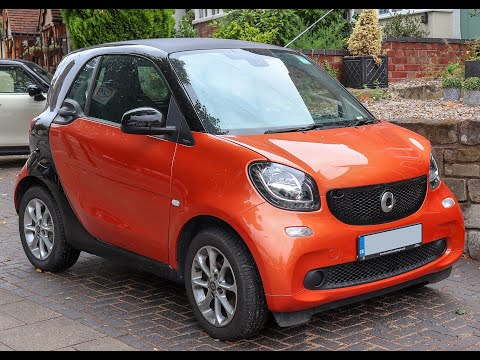
In this video we can see how to reset the service in the Smart ForTwo 453, a very simple operation to be carried out only after having carried out al…
Other guides you may be interested in
|
Frequently Asked QuestionsHow to Replace the Rear Wheel Bearing on Peugeot 407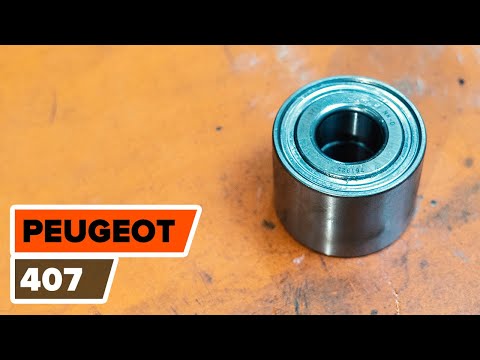
How to remove a rear wheel bearing along with all associated parts on a Peugeot 407? Position your car on a column lift, loosen the bolts with a socket wrench and raise it to a comfortable height. Unscrew the bolts and remove the wheel, then start unscrewing the bolts of the brake caliper to detach it from the bracket. Use a socket to loosen the caliper bolt. Now remove the caliper bracket and unscrew the bolts on the brake disc, pulling the disc towards you to slide it off the wheel hub. Completely remove the wheel hub from the car's arm and extract the worn bearing. Using a pressing tool, fit the new bearing. Before reassembling everything, clean all dirt and debris from the disassembled parts with brushes and lubricate the components. Refit the brake disc with all associated bolts. by ScegliAuto More videos
|

For advertising on this site Write to info@scegliauto.com
ScegliAuto is not responsible for any inaccuracy of the data in the lists. To report any inaccuracy or your business (if you own the business in question), please write to info@scegliauto.com
Number of seconds to generate the page: 0.119
(c) ScegliAuto 2026 - info@scegliauto.com - Privacy policy VAT number: IT01247470535 |
