
|
Do it yourself
| |||
| ||||


How do you reset the tire pressure warning light on the Smart ForTwo?
Model: Smart Smart
451
- Years 2007-2015
To reset the tire pressure warning light on the Smart ForTwo, you need to inflate the tires to the optimal pressure value. This value is indicated on the sticker that is glued to the driver's side door pillar. After inflating the tires, you can repeatedly press the button located on the upper end of the lever on the right side of the steering wheel. You should stop when the tire pressure warning light appears, and then hold down the button on the lower end of the lever until the reset is complete.
Posted on 19 December 2023 by ScegliAuto
Video tutorial
Related tutorials
Smart
(2014-2022 /
453)
To reset the tire pressure warning light on the Smart ForTwo, you will need to inflate the tires until they reach the recommended pressure value: thi…

Smart
(2014-2022 /
453)
Briefly, we will see the instructions on how to reset the tire pressure warning light on the Smart Fortwo. Before resetting the TPMS sensors, it is n…

Smart
(1998-2007 /
450)
To reset the tire pressure light on a Smart ForTwo, start by turning on the instrument panel without starting the engine. Look for the reset button l…
Other guides you may be interested in
|
How to Remove the Diesel Filter on a Ford Focus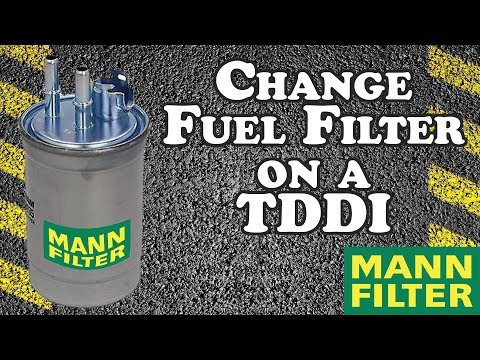
How to remove the diesel filter on a Ford Focus? Lift the car on a column lift or suitable jack (if necessary), locate the diesel filter as shown in the video. Use a screwdriver to unscrew the metal piece that secures the filter (you can also use a socket spanner). After disconnecting all the circulation pipes and the fuel cable: remove the diesel filter housing from the vehicle (replace it with a new one). Finally, refit the filter to the attached diesel filter housing (connect the pipes and cables) and tighten the appropriate bolts. Close the bonnet. by ScegliAuto More videos
|

|
For advertising on this site Write to info@scegliauto.com
ScegliAuto is not responsible for any inaccuracy of the data in the lists. To report any inaccuracy or your business (if you own the business in question), please write to info@scegliauto.com
Number of seconds to generate the page: 0.076
(c) ScegliAuto 2026 - info@scegliauto.com - Privacy policy VAT number: IT01247470535 |
