
|
Do it yourself
| |||
| ||||


How to Reset the Oil Light on a Suzuki Burgman 400
Model: Suzuki Burgman 400
Video tutorial
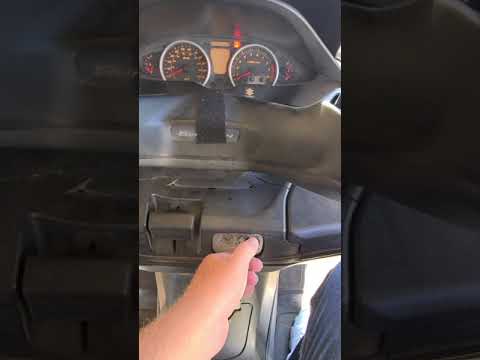
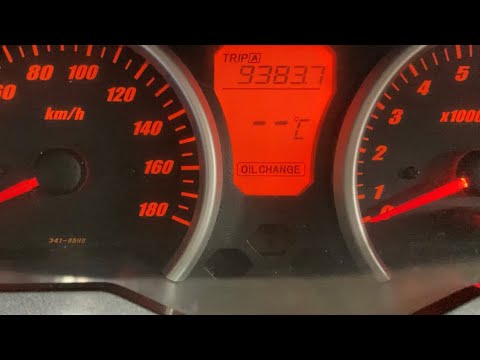
In this video, we’ll see how to reset the service light on a Suzuki Burgman 400: insert the key and turn on the ignition without starting the engine: the light will come on for a few seconds and then turn off. Press and hold the "SEL" button located on the handlebar, near the dashboard, for 3 seconds. The light will start to flash, showing the current interval. Adjust the interval using the button to increase or decrease the kilometres for the next service; some versions have preset values: release the button to save the new deadline. Turn off and then restart the scooter; if the light does not flash, the reset was successful.
Posted on 8 April 2026 by ScegliAuto
Related tutorials
Burgman 400
If you own a 2005 Suzuki Burgman 400 and want to learn how to manually reset the oil light, follow this guide and apply the steps described. First, e…
Burgman 400
In this guide for the Suzuki Burgman 400, you will learn how to correctly reset the engine oil light in a simple yet detailed manner. First, insert t…
Burgman 400
In this mini guide, discover how to manually reset the service light on your Suzuki Burgman 400. First, insert the key and turn on the instrument pan…
|
How to replace the fuel filter on the Gilera GP 800?
To replace the fuel filter on the Gilera GP 800, you will need to remove the left side fairing to access the fuel tank located underneath. Once you have located the top of the tank, remove the fuel pump from its housing, disconnecting the appropriate fuel lines as well; after removal, you can pull out the fuel filter located at the bottom of the pump and replace it with a new spare part. After replacement, refit all the components you just removed. by ScegliAuto More videos
|
|
For advertising on this site Write to info@scegliauto.com
ScegliAuto is not responsible for any inaccuracy of the data in the lists. To report any inaccuracy or your business (if you own the business in question), please write to info@scegliauto.com
Number of seconds to generate the page: 0.006
(c) ScegliAuto 2026 - info@scegliauto.com - Privacy policy VAT number: IT01247470535 |
