
|
Do it yourself
| |||
| ||||


Model: Suzuki Gs 500
Today, you will learn how to remove and replace the brake pads on a Suzuki GS 500, specifically the rear ones. First, remove the protective cover of the pads and take out the retaining clip using pointed pliers, as shown in the video; then, move the retaining pin to release the pads. At this point, remove the clips and take out the brake pads by pulling them upwards; now fit the new ones, cleaning the seat from carbon residue and inserting them in the correct orientation: then reassemble everything!
Updated on 27 March 2026 by ScegliAuto
Video tutorial
Related tutorials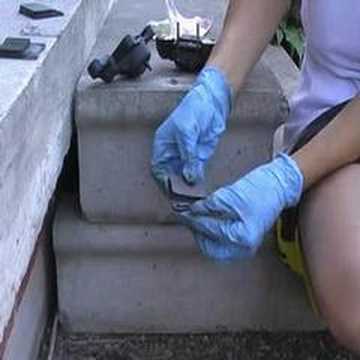
Gs 500
In this brief and simple guide, find instructions on how to remove and replace the rear brake pads on the Suzuki GS 500 motorcycle. First, place your…

Gs 500
Discover the steps to remove and replace the front brake pads, which also applies to the rear pads, on the Suzuki GS 500. First, loosen the bolts of …
Gs 500
Today we will see the necessary instructions to disassemble and replace the front brake pads (but it also applies to the rear ones) of the Suzuki GS …
|
How to Replace the Battery of the Kymco Agility 125?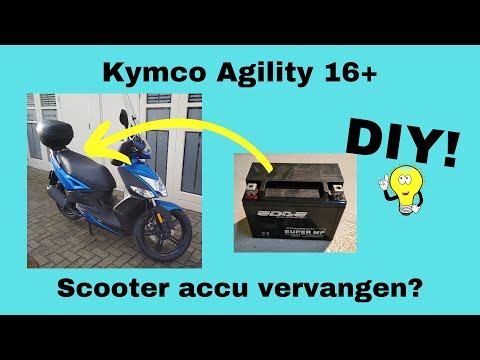
To replace the battery of the Kymco Agility 125, lift the seat to access the compartment underneath. At the rear of the under-seat compartment, you will find the battery under the corresponding panel. By unscrewing the screws that secure the panel, you can access the battery underneath, which must be freed from the corresponding securing screws and the appropriate power cables. Once the device is free, insert the new one, connecting and securing it properly, and cover everything with the panel. by ScegliAuto More videos
|
|
For advertising on this site Write to info@scegliauto.com
ScegliAuto is not responsible for any inaccuracy of the data in the lists. To report any inaccuracy or your business (if you own the business in question), please write to info@scegliauto.com
Number of seconds to generate the page: 0.007
(c) ScegliAuto 2026 - info@scegliauto.com - Privacy policy VAT number: IT01247470535 |
