
|
Do it yourself
| |||
| ||||


|
Model: Suzuki Burgman 650
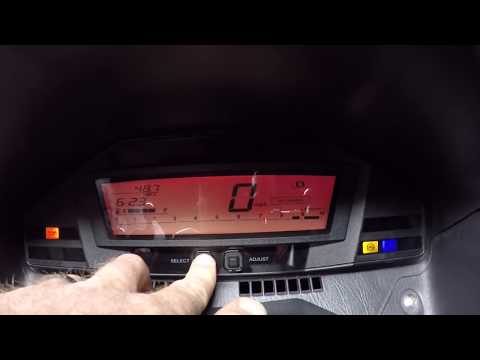
In this new mini guide dedicated to the Suzuki Burgman 650, we will discover how to manually reset the oil light. First, start this procedure with the Burgman 650 completely off, then insert the key and turn on the ignition. At this point, press and hold the "Reset" button located at the far right of the dashboard and release it as soon as the "Oil change" message appears on the display. Now press the "Select" button multiple times and manually set the kilometres remaining until the next oil change. Finally, press and hold "Select" again to save the changes made.
Updated on 31 May 2026 by ScegliAuto
This video is currently unavailable
Related tutorials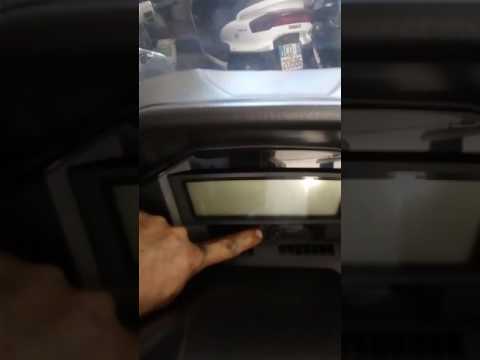
Burgman 650
If you have just performed an oil change on your Suzuki Burgman 650 and do not know how to manually reset the related warning light, then this guide …
Burgman 650
If you have just changed the oil on the Suzuki Burgman 650 and still notice the oil warning light is on, do not worry; simply perform the following r…

Burgman 650
Through this video, we can learn how to reset the oil change light after performing maintenance on the Suzuki Burgman 650. With the vehicle turned of…
|
How to Replace the Battery in a Yamaha FZ6?
Replacing the battery in the Yamaha FZ6, as shown in this tutorial, is a very simple and quick operation. First, ensure that the key is not inserted, then remove the rider's seat and, using a 10mm socket spanner, loosen the bolt on the tank hinge. Next, unscrew both the front bolts and the fairing mounting bolts, lift the entire tank, and disconnect both terminals starting with the negative. At this point, you can remove the upper plastic plate, take the battery out of its housing, and fit the replacement. by ScegliAuto More videos
|
For advertising on this site Write to info@scegliauto.com
ScegliAuto is not responsible for any inaccuracy of the data in the lists. To report any inaccuracy or your business (if you own the business in question), please write to info@scegliauto.com
Number of seconds to generate the page: 0.010
(c) ScegliAuto 2026 - info@scegliauto.com - Privacy policy VAT number: IT01247470535 |
