
|
Do it yourself
| |||
| ||||


|
Model: Suzuki Burgman 650
To change the motor oil of a Suzuki Burgman 650, start by positioning the scooter on a flat and stable surface, using the center stand. Briefly warm up the engine to make the oil less viscous, then turn it off and let it cool for a few minutes. Locate the oil drain plug under the engine and place a basin underneath it to collect the used oil. Use a wrench to remove the drain plug and let the oil drain completely. Once the oil has drained, replace the drain plug making sure it is securely tightened. Fill the oil tank with the new oil specified in the owner's manual, using a funnel to prevent spills. Start the engine and let it run for a few minutes to circulate the new oil. Turn off the engine and check the oil level, adding more if necessary to reach the correct level. Finally, dispose of the used oil properly following local regulations.
Posted on 1 August 2024 by ScegliAuto
Video tutorial
Related tutorials
Burgman 650
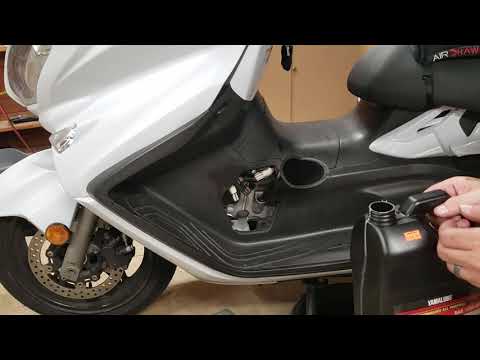
Start by placing your Suzuki Burgman 650 on the centre stand. Next, turn on the engine and let it run for a few minutes to help the oil drain out mor…
Burgman 650
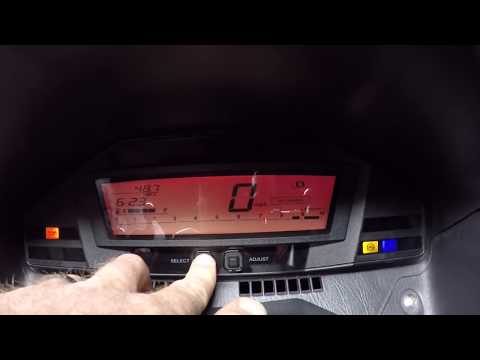
In this tutorial, you will see how to change the engine oil on a Suzuki Burgman 650 scooter, an extremely simple and quick operation to perform every…
Burgman 650
If you have just changed the oil on the Suzuki Burgman 650 and still notice the oil warning light is on, do not worry; simply perform the following r…
|
How to Reset the Service Light on the Yamaha Xmax 250?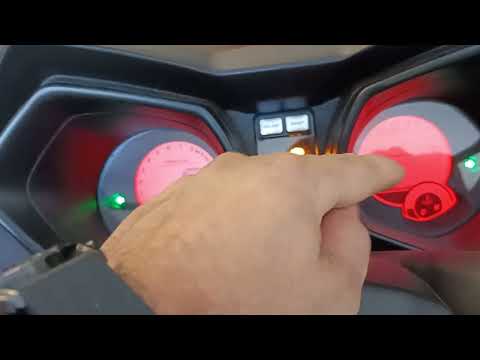
To reset the service light on the Yamaha Xmax 250, you need to insert the ignition key into the appropriate slot, so that you can turn it and switch on the instrument panel. Once this is done, press and hold the central button located on the left side of the instrument panel: the button should be held for about 20 seconds. When released, you will notice that the flashing service light has turned off: to verify that the reset has occurred correctly, you will need to switch off and then switch on the vehicle's instrument panel. by ScegliAuto More videos
|
|
For advertising on this site Write to info@scegliauto.com
ScegliAuto is not responsible for any inaccuracy of the data in the lists. To report any inaccuracy or your business (if you own the business in question), please write to info@scegliauto.com
Number of seconds to generate the page: 0.006
(c) ScegliAuto 2026 - info@scegliauto.com - Privacy policy VAT number: IT01247470535 |
