
|
Do it yourself
| |||
| ||||


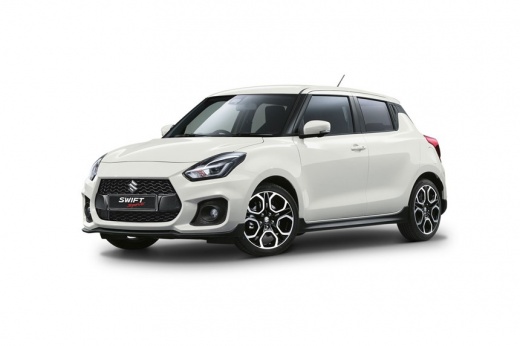
How to Reset the Service Light on a Suzuki Swift?
Model: Suzuki Swift
- Years:
2017, 2018, 2019, 2020, 2021, 2022, 2023, 2024
Video tutorial
Insert the ignition key into the Suzuki Swift's ignition switch to turn on the instrument panel and proceed with the service light reset procedure: once the panel is activated, turn the button located on the right side of the instrument panel. When the display shows the kilometres and days remaining until the service, hold down the same button until the light is completely cleared; after this, you can turn off the instrument panel to finish.
Posted on 22 October 2026 by ScegliAuto
Related tutorials
Suzuki Swift
(2017-2024 /
A2L, MK 6)
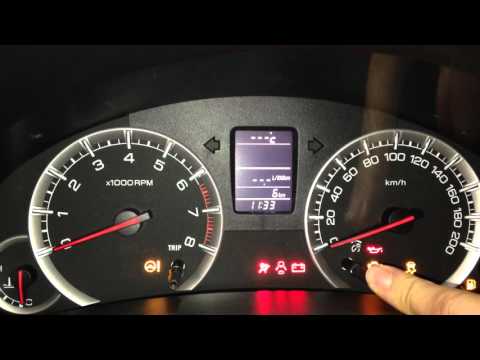
On the Suzuki Swift, the maintenance interval and oil change reset is done from the instrument cluster. With the Suzuki Swift stationary and the engi…
Suzuki Swift
(2004-2010 /
MK 4, Rs41)
Reset the service light on a Suzuki Swift? Here's how to reset the oil service warning light. Turn on the instrument cluster of the Suzuki with the k…
Suzuki Swift
(2004-2010 /
MK 4, Rs41)
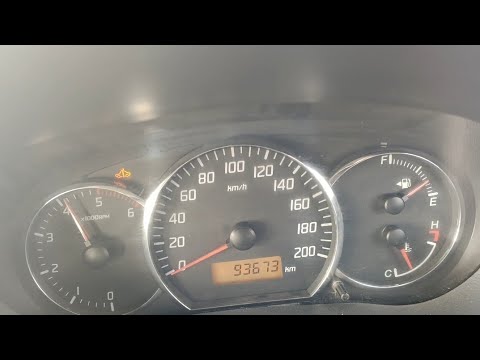
To reset the Service light on a Suzuki Swift, press the appropriate button to turn on the instrument cluster, then press and hold the button located …
Other guides you may be interested in |
How to Reset the Tyre Pressure Light on the Suzuki Swift?
To reset the tyre pressure light on the Suzuki Swift, inflate the tyres to the recommended pressure value, which is indicated on the sticker affixed to the driver's door pillar. After inflating the tyres, enter the cabin and press and hold the button at the top right of the instrument cluster. Rotate it to scroll through the menu that appears until you select "TPMS" and then "Tyre pressure". On the subsequent screen, press and hold the button to permanently clear the light. by ScegliAuto More videos
|
|
For advertising on this site Write to info@scegliauto.com
ScegliAuto is not responsible for any inaccuracy of the data in the lists. To report any inaccuracy or your business (if you own the business in question), please write to info@scegliauto.com
Number of seconds to generate the page: 0.076
(c) ScegliAuto 2026 - info@scegliauto.com - Privacy policy VAT number: IT01247470535 |
