
|
Do it yourself
| |||
| ||||


How to reset the service light on the Sym Elite 50
Model: Sym Sym Elite 50
Video tutorial
Today we will explain how to reset the oil light on a Sym Elite 50 scooter. To perform the reset operation, turn on the instrument panel of our scooter and press the Trip A button on the handlebars to access the reset of the light. By holding down the button for a few seconds, the light will stop flashing and the message "reset executed" will appear on the display. Turn off the instrument panel and turn it back on to verify that the light has been reset and the kilometers to the next car service updated. If the reset is not successful, it will be necessary to go to an authorized workshop to have a check performed using a scanner.
Posted on 9 September 2025 by ScegliAuto
Related tutorials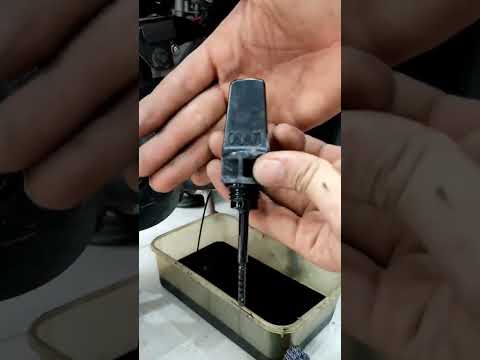
Sym Elite 50
To change the engine oil on a Sym Elite 50, start by placing the scooter on a flat surface and ensure the engine is warm, not hot. Locate the oil dra…
|
How to Change the Engine Oil on the Kymco Like 200?
To change the engine oil on the Kymco Like 200, loosen the drain plug located at the central lower part of the bike: once this plug is removed, you can let all the used oil flow into a suitably positioned container. When all the lubricant has drained out, close the drain plug and top up the oil: this can be done by pouring oil into the breather located on the right side of the engine casing, just above the exhaust. by ScegliAuto More videos
|
|
For advertising on this site Write to info@scegliauto.com
ScegliAuto is not responsible for any inaccuracy of the data in the lists. To report any inaccuracy or your business (if you own the business in question), please write to info@scegliauto.com
Number of seconds to generate the page: 0.007
(c) ScegliAuto 2026 - info@scegliauto.com - Privacy policy VAT number: IT01247470535 |
