
|
Do it yourself
| |||
| ||||


How do you replace the clutch of the Sym Bonus 110?
Model: Sym Bonus 110
Video tutorial
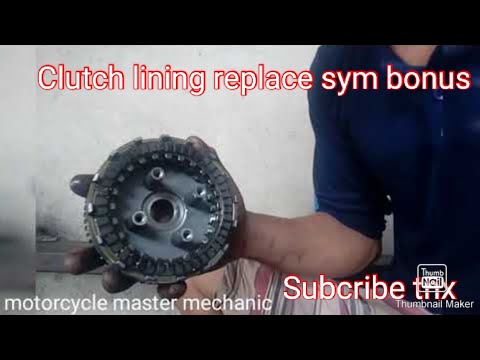
The clutch of the Sym Bonus 110 can be replaced by completely loosening the screws that fix the casing to its housing, located on the right side of the motorcycle: by removing the screws that fix the casing, it will be possible to remove it completely and locate the clutch discs in the area below. Now it will be possible to remove them from their seat by removing the screws that fix them, so that the new ones can be inserted: after the installation has taken place, it will be necessary to cover everything with the appropriate casing and then start the vehicle to verify its operation.
Posted on 4 October 2025 by ScegliAuto
Related tutorials
Bonus 110
To replace the clutch on the Sym Bonus 110, loosen the bolts securing the clutch cover, located on the right side of the bike in the lower central ar…

Bonus 110
In order to replace the clutch of the Sym Bonus 110, you need to loosen the screws that fix the casing to its housing, located on the right side of t…
Bonus 110
To replace the clutch on the Sym Bonus 110, loosen the screws securing the transmission cover on the right side of the bike. Once the cover is remove…
|
How to Reset Maintenance Intervals on BMW Motorbikes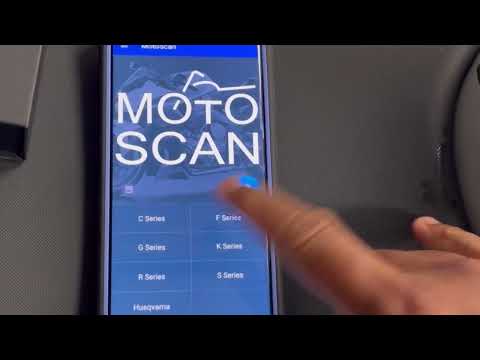
Learn how to reset maintenance intervals on BMW motorbikes: you will need an OBD reader, a device that can also be useful for your car and costs only a few dozen pounds: this will read the errors from the ECU and you will decode and then clear them using an app on your smartphone. The EOBD port can be found under the passenger seat; connect your reader, which will communicate with a flashing LED indicating data transmission via Bluetooth. Now, go to the app on your Android phone (ensure the device is connected). Turn on the bike's ignition and return to your phone. Open the "moto scan" app and select your motorbike model, then choose the reset service interval option from the available interventions. Check that you are connected and select "service reset" and it's done. by ScegliAuto More videos
|
|
For advertising on this site Write to info@scegliauto.com
ScegliAuto is not responsible for any inaccuracy of the data in the lists. To report any inaccuracy or your business (if you own the business in question), please write to info@scegliauto.com
Number of seconds to generate the page: 0.005
(c) ScegliAuto 2026 - info@scegliauto.com - Privacy policy VAT number: IT01247470535 |
