
|
Do it yourself
| |||
| ||||


Model: Bmw S1000 Rr
Learn how to reset maintenance intervals on BMW motorbikes: you will need an OBD reader, a device that can also be useful for your car and costs only a few dozen pounds: this will read the errors from the ECU and you will decode and then clear them using an app on your smartphone. The EOBD port can be found under the passenger seat; connect your reader, which will communicate with a flashing LED indicating data transmission via Bluetooth. Now, go to the app on your Android phone (ensure the device is connected). Turn on the bike's ignition and return to your phone. Open the "moto scan" app and select your motorbike model, then choose the reset service interval option from the available interventions. Check that you are connected and select "service reset" and it's done.
Updated on 6 August 2026 by ScegliAuto
Video tutorial
Related tutorials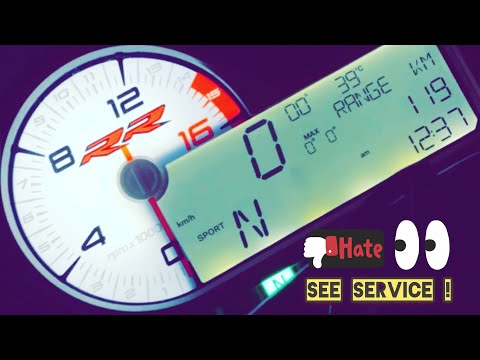
S1000 Rr
To reset the Service light on the BMW S1000 RR, connect a diagnostic tool to the OBD port of the motorcycle: the OBD port is located at the rear, nea…
S1000 Rr
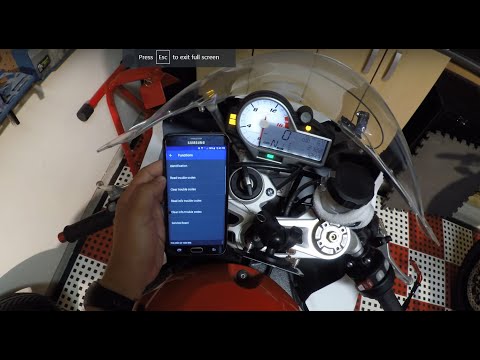
This guide shows how to reset the scheduled maintenance light on a BMW S1000RR. To perform this maintenance, you will need a diagnostic device with a…
S1000 Rr
Today, let's go through the instructions for performing the routine maintenance service, replacing the engine oil and oil filter on the BMW S1000 RR.…
|
How to Replace the Battery in a Yamaha Vino 125 Scooter?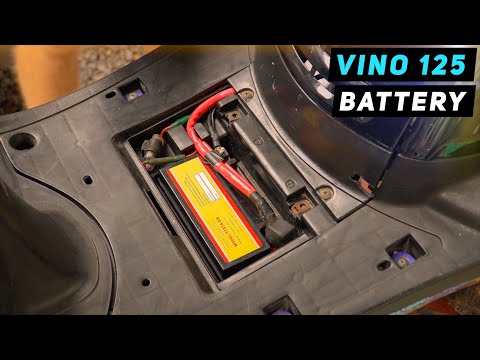
In this tutorial, you will see how to replace the battery in a Yamaha Vino 125 scooter, a very simple and quick operation. First, ensure that the key is not inserted for safety. Then, lift the rubber mat and, using a simple cross-head screwdriver, unscrew the two screws securing the plastic cover. Once opened, disconnect both terminals, starting with the negative, and remove the battery from its housing. To fit the replacement, simply follow the reverse procedure. by ScegliAuto More videos
|
|
For advertising on this site Write to info@scegliauto.com
ScegliAuto is not responsible for any inaccuracy of the data in the lists. To report any inaccuracy or your business (if you own the business in question), please write to info@scegliauto.com
Number of seconds to generate the page: 0.097
(c) ScegliAuto 2026 - info@scegliauto.com - Privacy policy VAT number: IT01247470535 |
